Collecting guest photos
Disposable-camera apps for weddings: how they work, what to check, and when an album fits better
29 September 2026 · 6 min read
Short answer: disposable-camera apps like Lense and POV recreate the disposable camera on your guests' phones. Every guest gets a limited number of shots, a film look can go on top, and you choose when the photos become visible. Guests do not have to install an app from the App Store for it. If that exact experience is what you want, these apps do it well. If you mostly want everything from the day, with video and no limit per guest, a browser album fits better. Below, the differences side by side.
Why the disposable look is back
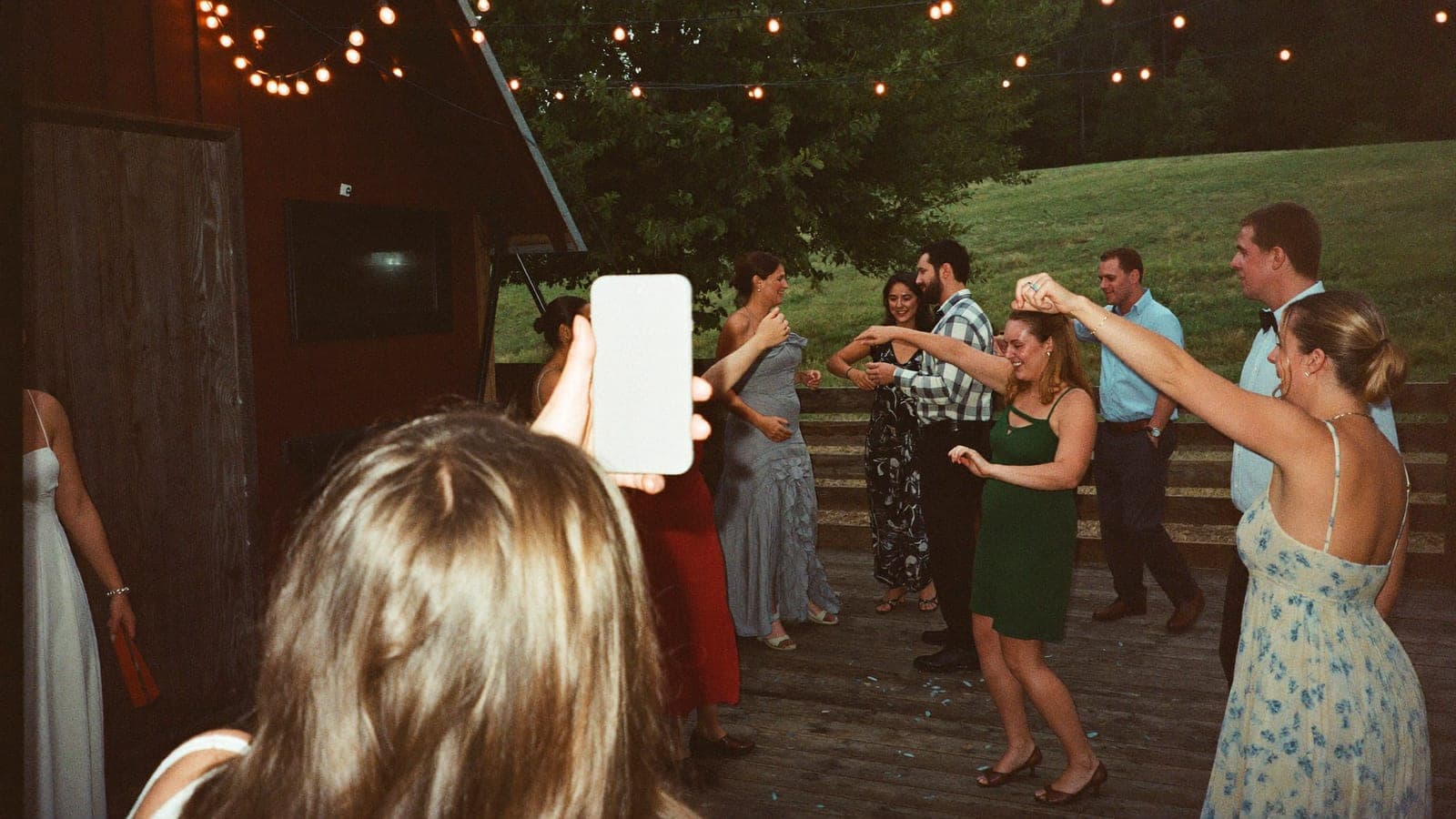
Film photos have a look phone cameras were designed to remove: hard flash, warm colour casts, grain, soft focus, a date stamp in the corner. For a generation raised on perfectly sharp phone photos, that imperfection reads as honest: a party, not a product shoot.
Then there is the waiting: the photos arrive all at once, like a gift. Real disposable cameras deliver this at a cost we worked out in disposable cameras at your wedding: a few hundred in cameras and developing, a short flash range, no video, black frames. The apps promise the same feeling without those problems.
How these apps work
Lense and POV are two well-known examples. This is how they work according to their own websites and app store listings:
- The couple creates an event and gets a QR code or link.
- Guests scan the code. On iPhone, both open an App Clip: a mini-app from Apple that starts without an App Store install. On Android, Lense opens a camera in the browser; POV offers its app or a web version there. At Lense a guest only enters a name, no account needed.
- Every guest has a limited number of shots. At Lense that is up to 25 per guest, and unlimited shooting is a paid extra. At POV you set how many photos each guest can take.
- The film look is a choice. Both let you pick between a disposable-camera style and regular photos.
- You choose when the photos become visible: straight away, later, or only afterwards. The delayed reveal, the morning after for example, is what these apps are built around. At Lense you can watch the uploads come in meanwhile.
Both also let guests add photos from their own camera roll.
Used as designed, it is genuinely fun. The limit makes people choose their moments. The delay makes the reveal an event.
What to check
None of this is a reason to avoid these apps. These are the questions to ask before you choose.
- The limit is the point, but it costs moments. Twenty-five shots per guest sounds like plenty until the cake, the speeches and the dance floor all happen after they have run out. At Lense, no limit means paying for an extra.
- Video. At Lense video is a paid extra, with clips of up to one minute. We found nothing about guest video on POV's site; ask if you want the speeches or the first dance.
- The slideshow at the venue. Lense includes a live photo wall with every event. At POV the live slideshow comes with a paid add-on package.
- What it costs for your guest count. Both are free for a small group (Lense up to 7 guests, POV up to 10) and charge by guest count after that. Add the extras you want before you compare.
- Who the service is meant for. POV is a US service and, according to its own privacy policy, intended for visitors in the United States. If your wedding is elsewhere, that is worth checking.
The alternative: an album in the browser
A QR-code wedding photo album turns the idea around: no roll and no filter, but everything your guests capture in one place.
- No limit per guest. Guests share as many photos as they like. On Pixavo an average of 15 guests share 207 photos and videos per wedding.
- Video in every package, 1 to 6 hours in total, depending on the package.
- Live slideshow in every package, for the screen at the venue.
- No filter. What comes in is the original photo. If you want the look anyway, put a line on the table card: "Shoot it in your grainiest filter". Nearly every phone camera has a vintage or film filter.
- Works in any browser. Guests scan the QR code and upload straight away, on iPhone and Android. No app, no account.
- You do the reveal by hand. Turn on pre-approval: the guest who uploads sees their own photo marked "awaiting approval", while other guests and the slideshow only see it once you approve. The morning after, one button approves everything and the whole gallery goes live at once. Pixavo has no automatic reveal at a set time; if you really want one, an app does that better.
- One-time, from €59. Afterwards you download everything from your dashboard.
If the disposable experience itself is the goal, with the limit, the film look and the reveal, an app built around it does that best. If you mostly want to capture the whole day, with video and a slideshow included, the album fits better.
Or go analog for real
Nothing on a screen fully replaces a plastic camera with a wind-on wheel. If the object matters to you, put two or three real ones in the right spots (the bar, the photo corner) and accept the trade-offs: a short flash range, no video, a developing bill weeks later. The full cost breakdown is in disposable cameras at your wedding. Pair them with a QR album as the main channel.
Which to choose
| Disposable-camera app (Lense, POV) | Real disposable cameras | QR album (Pixavo) | |
|---|---|---|---|
| The look | Film look if you choose it | Real film, real flash | No filter, each guest chooses in their own camera |
| How guests join | Scan a QR code, on iPhone through an App Clip | Pick up the camera | Scan a QR code, upload in the browser |
| Photos per guest | Limited: Lense up to 25 (unlimited at extra cost), at POV you set it | One roll per camera | No limit |
| When you see the photos | Straight away, later or afterwards, you choose | After developing, weeks later | Straight away, or after your approval |
| Video | Lense as a paid extra (up to 1 minute), nothing found on POV's site | No | Yes, in every package |
| Live slideshow | Lense with every event, POV in a paid package | No | Yes, in every package |
| Cost | Free for a small group, then by guest count | A few hundred for cameras and developing | One-time, from €59 |
Checked on 29 September 2026 on the websites and app store listings of Lense and POV. Apps like these change fast, so look at their own site before you choose.
FAQ
Which app gives guests a disposable-camera look?
Lense and POV are two well-known apps in this niche. Both give every guest a limited number of shots, a film look if you want it, and a reveal at a moment you choose.
Do guests have to install an app for Lense or POV?
Not from the App Store. On iPhone both open through an App Clip, a mini-app from Apple that starts without an install. On Android, Lense opens in the browser and POV offers its app or a web version.
Can I do the reveal with Pixavo too?
Yes, by hand. Turn on pre-approval: other guests and the slideshow see nothing until you approve it, and the morning after one button releases the whole gallery. Pixavo has no automatic reveal at a set time.
Does Pixavo have a disposable-camera filter?
No. Guests can use the vintage or film filter in their own camera app, and a line on the table card turns that into a game. The originals stay in full quality.
Can I combine a disposable-camera app with a QR album?
You can, but two channels means two instructions on the table and photos in two places. A simpler combination is a few real disposable cameras for the atmosphere plus one album for everything else.
Next step
Want everything from the day in one place, with video and a slideshow included? Set up a Pixavo album; it takes five minutes, and how it works shows what your guests see. For every other way to gather guest photos, read how to collect wedding photos from guests.
Get your album ready
One QR code, no app, and every photo and video from your guests in one living album.
Read next
Disposable cameras at your wedding: charming or a false economy?
Disposable cameras on the tables: nostalgic, but expensive and unpredictable. The real costs, the pitfalls and the digital alternative.
3 min read
QR code wedding photo album: how does it work?
With a QR code photo album your wedding guests upload all their photos to one place, no app needed. How it works, what it costs, what to look for.
4 min read
7 ways to collect wedding photos from your guests
WhatsApp, shared album, WeTransfer, disposable camera or QR album? The 7 ways to collect wedding photos from your guests, honestly compared.
5 min read