Collecting guest photos
How to share your wedding photos with guests (without sending 1,000 photos)
28 September 2026 · 6 min read
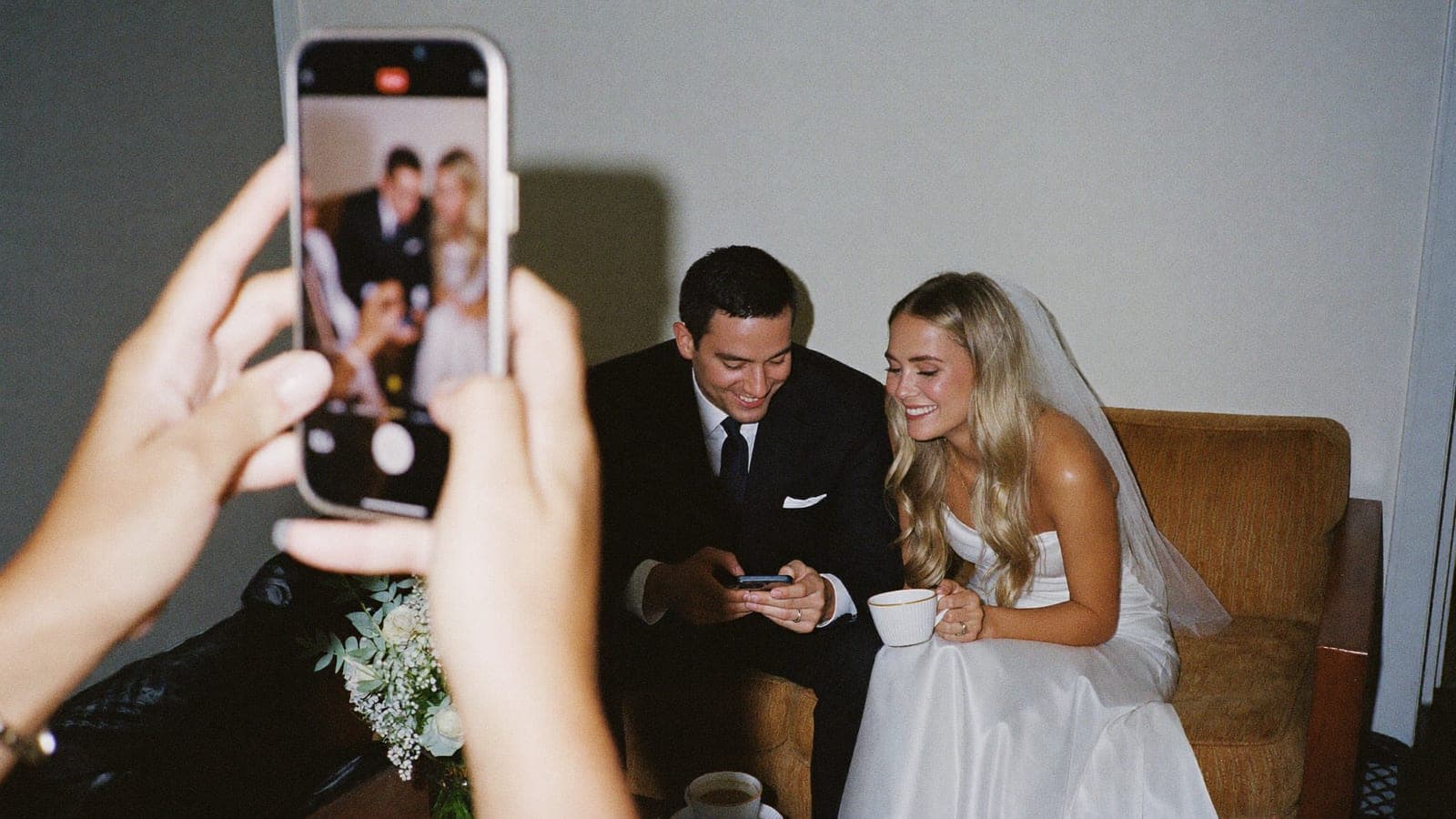
Share one link to an album where guests find what they want to see, send each guest at most one personal photo directly, and give the full photographer's gallery only to your parents and the wedding party. That answers a question that comes up on Reddit every few weeks: "How do I share my wedding pictures without overwhelming my guests with 1,000+ photos?" Nobody wants 1,000 photos. Everybody wants the four they are in. Our wedding photo sharing guide covers collecting photos before and during the day; this article is about sharing them back afterwards.
What guests actually want to see
Ask a guest what they want to see and the list is short:
- Themselves. The photo where they look good, the one with their partner, the one laughing at their table. It is the only photo they will actually save.
- Their table. The people they spent the evening with, the group shot someone took at midnight.
- The moments they missed. The close-up of the rings, your face when the doors opened, the speech they stepped out for.
- The couple, but a handful. Three to five of the best portraits, not the 80-photo couple session in the vineyard.
What guests do not want: 1,000 files in a shared drive, twelve near-identical shots of the cake, or a 2 GB zip on their phone. One Reddit thread put it plainly: guests asked to "see the gallery" and then never opened the link, because the link was the whole gallery.
Three ways to share, compared
1. WhatsApp or email Pros: zero setup, everyone has it, immediate. Cons: WhatsApp compresses photos heavily and videos even more; what arrives is a fraction of the original. Everyone in the group gets everything, so a photo of your grandmother ends up with a colleague's plus-one. And your guests' own photos still live on their phones.
2. The photographer's gallery Pros: full quality, professional, downloads usually included. Cons: it is the whole gallery. 800 to 1,500 photos in the photographer's order, with your getting-ready shots at the front. Sharing it with 100 guests means 100 people scrolling past your private moments to find their table. Give the link to close family, not to everyone.
3. A shared album your guests already filled If you used a QR code photo album at the wedding, there is a third route: add a curated selection of the photographer's photos to the album your guests already filled, and send the same link again. Pros: two-way, so guests see their own photos next to the professional ones; you decide what is visible; no app or account needed to look. Cons: the album is only as good as your curation. Add 60 of the photographer's best, not all 1,200, or you have rebuilt the gallery problem. And it is for looking, not for downloading: guests see everything in good quality, but the original files stay with the two of you.
The album your guests already filled
Most couples see the guest album as a collection tool. It works just as well in the other direction, and almost nobody uses it that way.
Here is what is already in a Pixavo album on the Monday after the wedding, based on our own album data: on average 207 photos and videos from about 15 guests, 97% of it within 48 hours. Guests are already opening it; you do not need to persuade them to click a link they have already clicked.
Upload the photographer's best 50 to 80 photos into the same album, with the same upload button your guests used: the ceremony, a few portraits, the speeches, the dance floor, one shot per table. They count toward your plan's photo storage, which is one more reason to pick the best rather than all of them. A guest who opens the link sees their own shaky dance-floor video next to the professional shot of the same moment.
You stay in control of what is visible: hide anything you would rather keep private before you share the link, and turn on pre-approval if you want to check new uploads first. Nobody needs an app or an account to look. Downloading is for the two of you: you download the whole album from your dashboard, and anyone who would like a photo in full quality gets it from you. Guests can still upload after the day too, so the photos from the taxi home keep trickling in for weeks, as long as the album is online.
One link, sent twice: once before the wedding so people upload, once after so people look back. That is the entire sharing plan.
Etiquette: who gets what
You do not owe everyone everything. A simple ladder:
- Parents and grandparents: the full photographer's gallery, plus a printed selection. They will look at all 1,200 photos. They are the only ones who will.
- The wedding party: the full gallery link plus the shared album.
- Close friends and family: the shared album link, plus one personal photo each, sent directly with two lines of text.
- Guests in general: the shared album link, in one group message or on the thank-you card. No attachments.
- Colleagues and acquaintances: the album link if they ask.
- The photographer: a thank-you and a credit when you post, and check your contract before posting professional photos publicly.
Sample messages
Five you can copy; adjust the names.
1. The week after, to everyone (group message or card) "Thank you for celebrating with us on Saturday. Your photos and videos are already in our album. Here is the link to look back at everything, and anything you still have is welcome: [link]"
2. When the photographer's photos arrive "Our photographer's photos are in! We added our favourites to the same album you already know, so you can find yourself and your table without scrolling through 1,200 photos: [link]"
3. One personal photo, to a close friend "Found this one of you and Sam during the speeches and it made my whole day. Thank you for being there. The rest is in the album whenever you want it."
4. To someone asking for the full gallery "We're keeping the full gallery for family, but everything from the day that we want to share is in the album. If there is a specific moment you are looking for, tell me and I'll find it for you."
5. To parents "Here is the complete gallery from the photographer (PIN: ...). We're picking photos for prints this month; tell us which ones you would like framed."
Frequently asked questions
Do I have to send all my wedding photos to all the guests?
No. Couples on Reddit who did say nobody opened them. Share one link to a curated album where guests can find themselves; keep the full gallery for parents and the wedding party.
How do I respond to guests asking to see the entire gallery?
Kindly, with a link to the shared album instead. "Everything we want to share is in here" is a complete answer.
What is the best way to share wedding photos without losing quality?
Avoid WhatsApp and Messenger; both compress heavily. Send the original file directly, or share the photographer's gallery link with the people who need every file. In Pixavo you download the whole album yourselves, with every photo as the original file.
Can guests download photos from a QR code wedding album?
That depends on the service. In Pixavo, guests can look at everything and share a photo, but downloading the original files is for the two of you and anyone you invite to manage the album. You download the whole album from your dashboard and send each guest the photos they are in.
When should I share wedding photos with guests?
The guest album link within a week. The photographer's selection as soon as it arrives, added to the same album so people do not need a new link.
Next step
If your album already exists, add the photographer's photos and send the link again. How to keep everything safe afterwards is in download, sort and keep your wedding photos. If the wedding is still ahead, see how it works or start with collecting wedding photos from guests; setup takes about five minutes.
Get your album ready
One QR code, no app, and every photo and video from your guests in one living album.
Read next
How to download, sort and keep your wedding photos: one archive for guest photos and the photographer's gallery
Download the originals, keep two copies, sort by capture time and pick a selection from thousands of wedding photos. Plus what to do with guest photos.
6 min read
Wedding photo sharing with guests: the complete guide
How to collect every photo your guests take at your wedding. Every method compared, the wording that works, and how to set it up without an app.
4 min read
How to ask guests to share their photos
Wording that actually works: what to put on your invitation, table cards, in the speech and in the thank you message after the wedding.
4 min read