Collecting guest photos
How to download, sort and keep your wedding photos: one archive for guest photos and the photographer's gallery
28 September 2026 · 6 min read
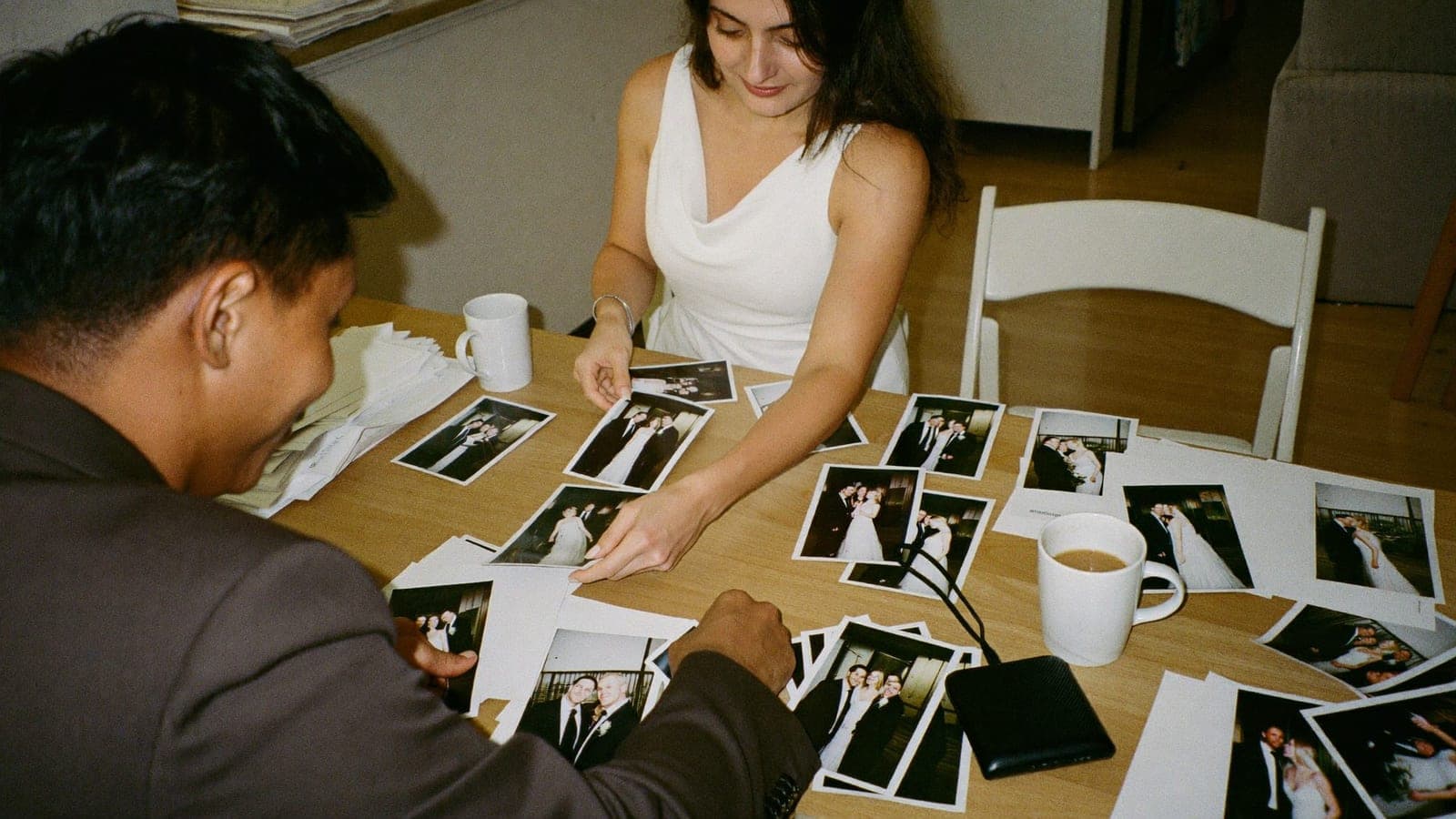
Download the originals as soon as the album has filled up, put them in two places, and only then start picking favourites. In that order, because most couples do it the other way round: they start choosing from thousands of photos, lose track, and three months later half of it is still sitting on a link that has since expired. On Reddit this sounds like "what do I do with 400 guest photos next to the 1,200 from our photographer". Sharing photos back with your guests is covered in how to share your wedding photos with guests; this one is about keeping them.
Step 1: download the originals
Of everything guests share, 97% is in the album within 48 hours; on average 207 photos and videos from about 15 guests. After a week or two only the stragglers trickle in. Do a first complete download then, and one more shortly before the retention period ends.
You download the whole album from your dashboard: open Album and tap Download everything. Photos come as the original file the guest uploaded, not a reduced version (only exceptionally large files are scaled down during upload); videos come as an HD MP4. Guests can look at everything in the album, but downloading is for the two of you and anyone you invite to manage the album. A big album arrives as several zip files, with the videos in zips of their own. Inside, the photos are numbered foto-001, foto-002 and so on, in the order they were uploaded.
Do the full download on a computer on wifi, not on your phone; an album with videos quickly runs to several gigabytes. Hidden photos, and uploads still waiting for your approval, are not in the download: show or approve them first if you want to keep them.
And the question that always follows: do the photos stay on the guests' phones too? Yes. Uploading is copying. Whatever a guest shares stays in their own camera roll; the album gets a copy.
Step 2: check what you have
Before sorting anything, make sure the download is complete:
- The count. Compare the number of files in your folder with the number the album shows. If they differ, download again.
- The videos. Open a few. Videos are the largest files and the first to go missing from an interrupted download.
- Uploads that never finished. If a guest closed the album halfway, their photos wait on their phone and continue as soon as they open the album again on that phone. If that one speech video is missing, ask them personally to open the album once more; it is still online.
- Duplicates. Three guests photographing the same cake is not an error. Leave them until step 5.
Download everything from the photographer's gallery too; that hosting usually has an end date as well.
Step 3: two copies, two places
One copy is not an archive. The rule: one on your computer, one somewhere else. That "somewhere else" is a cloud service with the original-quality setting turned on, or an external drive in a drawer. The album itself is not a storage place; it is deleted after the retention period.
A folder name that still makes sense in ten years: "Wedding 2026-06-13". Inside it, two folders: "Guests" and "Photographer".
Step 4: sorting without spending hours
Viewing everything chronologically is the most common request. The file names follow the upload order, not the moment a photo was taken, so do not sort by name. The answer is in the files themselves: phone photos carry their capture time, and it stays in the originals you download. Sort the folder by "Date taken" in File Explorer, or import the photos into the Photos app on your computer, and the day runs by itself from getting ready to the last taxi.
Then make folders per moment, not per guest: 01 Getting ready, 02 Ceremony, 03 Drinks, 04 Dinner and speeches, 05 Party, 06 Brunch. Select the block of one moment on the timeline and drag it into its folder. Six drags, done. For a wedding weekend add "00 Welcome dinner"; how to collect across a whole weekend is in collecting photos from the whole wedding weekend.
Guest photos and photographer photos: side by side, not mixed. Inside every moment folder keep the two sources apart, with a subfolder or a prefix in the file name.
Sorting per guest is usually not worth it. What you want later is the best photo of the speech, not Uncle Pete's folder. If you want to send someone their own photo back, look in the album to see who shared it.
Step 5: the selection
Nobody can judge thousands of photos in one sitting. So choose per moment first, and only then for the whole. From each folder pick the best three: not the three prettiest, but the three that tell the moment. Six folders, eighteen photos. From those eighteen plus the photographer's favourites, choose the forty to sixty for the album, the prints and the link you send round once more.
What helps: do it in two rounds on two days; day two cuts what day one still liked. One photo per event; you have twelve of the cake, you need one. And videos separately: a good speech video belongs in the selection even if it is shaky.
What to do with guest photos alongside the photographer's gallery
The photographer's gallery is the beautiful version of the day. The guest photos are the real one: the moment just before the photographer turned round, the after-party video from when they had already gone home. Three ways to use them:
- The candid moments in the archive. Next to every professional photo of a moment there should be at least one from a guest.
- Thank-you notes with a photo of the guest. Send every guest one photo they are in, with two lines of text.
- The album as a channel to share back. Add your selection of the photographer's photos to the album your guests already know and send the same link again. The full plan is in how to share your wedding photos with guests; the collecting side before and during the day is in the wedding photo sharing guide.
Retention period and what happens after
The album stays online for a set period after the wedding day, depending on your plan; about a month before the end you get an email reminding you to download. After that the album goes offline and is deleted, including every photo and video.
For you it means one thing: download well ahead of time, not on the last day. Put two reminders in your calendar: two weeks after the wedding for the first complete download, and two weeks before the end of the retention period for the stragglers. The only archive that exists after the retention period is the one you built yourselves.
Frequently asked questions
How do I download all the photos from the shared album?
From your dashboard: open Album and tap Download everything. Guests can look at the album but do not download from it; the originals come to you.
Do the photos stay on the guests' phones as well?
Yes. Uploading makes a copy; the original stays in the guest's camera roll, even when the album is deleted later.
How do I view the wedding photos in chronological order?
Sort the downloaded folder by "Date taken" in File Explorer, or import the photos into the Photos app on your computer. Photos from phones and from the photographer then fall into the right place in the day by themselves. Do not sort by file name: that follows the upload order.
Can I download everything at once as a zip?
Yes. Download everything in the dashboard packs the album into zip files: one or more for the photos and separate ones for the videos. Do it on a computer, not on your phone.
How do I pick a selection from thousands of photos?
The best three per moment, then the whole. Two rounds on two days, one photo per event, videos separately.
Next step
If the wedding is still ahead, the archive starts with collecting: see how it works or read what a QR code wedding photo album does on the day itself. One-time, from €59, and everything guests share is yours in full quality.
Get your album ready
One QR code, no app, and every photo and video from your guests in one living album.
Read next
How to share your wedding photos with guests (without sending 1,000 photos)
One link, not 1,000 attachments. How to share wedding photos with guests after the day: what they want, three ways compared, who gets what, five messages.
6 min read
Collecting photos from the whole wedding weekend: welcome dinner, wedding day, after-party and brunch
Welcome dinner, wedding day, after-party, brunch: one album or several? The rule, a table, the QR code on day two and wording for guests from abroad.
6 min read
Wedding photo sharing with guests: the complete guide
How to collect every photo your guests take at your wedding. Every method compared, the wording that works, and how to set it up without an app.
4 min read