Collecting guest photos
Collecting photos from the whole wedding weekend: welcome dinner, wedding day, after-party and brunch
28 September 2026 · 6 min read
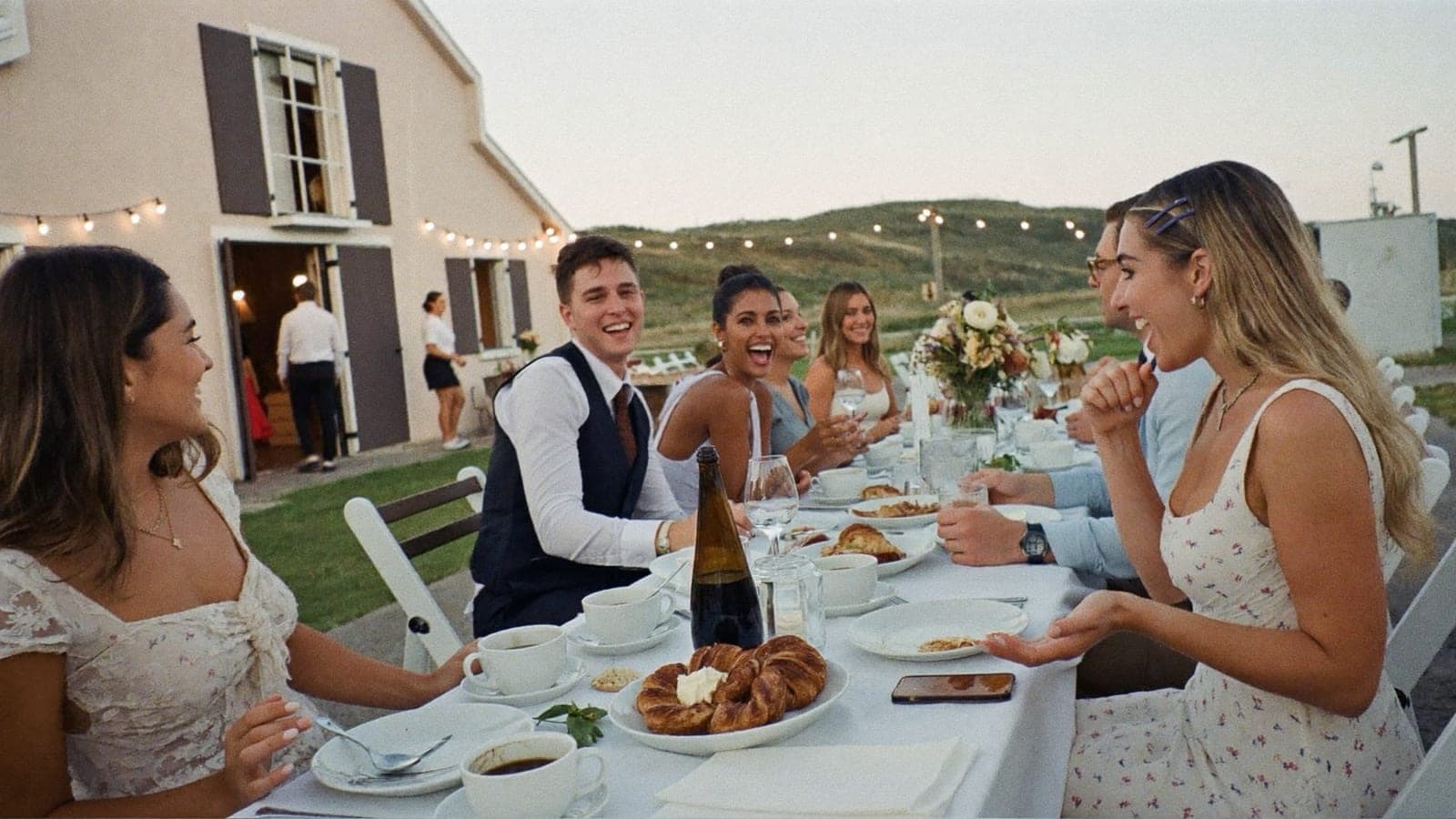
One wedding album for the wedding day, and the events around it go into that same album as long as the same people are there. If one event has a smaller group the rest never needs to see, such as the bachelorette party, it belongs in a separate album with its own link. That is the short version of a question that shows up on Reddit whenever a wedding runs longer than a day: "Welcome dinner Friday, wedding Saturday, brunch Sunday. Do we set up one album or three?" If you are only collecting on the wedding day itself, start with collecting wedding photos.
One album or several? The rule: one audience per album
Ask not how many events you have, but how many different groups will be looking. Everyone with the link sees everything in the album. On the wedding day that is the point: your grandmother at her table next to a colleague's dance-floor video, together in one live feed on the screen.
It only becomes a problem when an event has a different audience. The bachelorette or stag party is the clearest case: you do not want those photos in the album your in-laws scroll through on Sunday. A welcome dinner for thirty people is different: those thirty are at the wedding on Saturday too, so their Friday photos can go in the wedding album.
- Same people, or a subset of the wedding guests: one album.
- A group the rest does not need to see: a separate album.
Do not create a separate album for every event: you end up sharing four links and get four half-empty albums. Sorting afterwards takes fifteen minutes; see download, sort and keep your wedding photos.
How to split a wedding weekend
| Event | Who is there | Which album | How the link is shared |
|---|---|---|---|
| Bachelorette or stag party | Friends, weeks earlier | Separate album | Message from the organiser, own QR code |
| Engagement party or civil ceremony | Family and witnesses | Wedding album, or a separate album if kept private | Personal message |
| Welcome dinner (Friday) | Family and out-of-town guests | Wedding album | Card on the table, mentioned once out loud |
| Wedding day (Saturday) | Everyone | Wedding album | QR cards on every table, at the bar and the guest book |
| After-party (Saturday night) | Whoever is still standing | Wedding album, same code | Nothing extra; the cards are already there |
| Brunch (Sunday) | Whoever stayed over | Wedding album | One card by the coffee, one sentence |
At more than half of all weddings, sharing starts before the wedding day, according to our own album data. A welcome dinner in the same album is not an edge case; many couples already do it without calling it that.
The QR code works all weekend
The question asked most often has the shortest answer: yes, Saturday's QR code still works on Sunday. The code points to the album, not to a date.
Two things to know:
- The album is open from the moment you create it, even if the wedding is weeks away. Guests can upload on Friday.
- The retention period starts on the wedding date you enter, not on the day you created the album. Friday and the weeks before it do not count, and if the date changes, you change it in your settings.
So put Saturday's cards out again by the coffee on Sunday.
Keeping the bachelorette party and engagement separate
A second album has its own link and its own QR code; you add one from your dashboard. The bachelorette or stag party gets an album only the friend group knows about: you send the link to the organiser, they share it in the group chat, and the code never appears anywhere at the wedding. Hiding and pre-approval are set per album, so the friends' album can stay open while you keep the wedding album tighter.
An engagement party or civil ceremony follows the same rule: everyone may see it, wedding album; keep it small, a separate album. Plans and prices are on the pricing page.
Guests from abroad: instructions in two languages
The question "how do I explain this to guests who do not read my language" is easier than it looks, because the guest page can follow each guest's phone. In your settings under Language, set the album language to Automatic: a guest whose phone is set to Spanish, German or French then gets the upload page in that language, and where a language is not fully translated yet, the rest appears in English. With a fixed album language, every guest sees that one language, and it is also the language printed on your cards.
What you do yourself is the instruction. Put it on the welcome sign or in the programme, in two languages:
"Scan the code and share your photos and videos from this weekend. No app needed, everything goes straight into our album."
"Escanea el código y comparte tus fotos y vídeos de este fin de semana. Sin app, todo llega directo a nuestro álbum."
The printable table cards included in every plan also have two short lines for your own text (up to 40 characters each), enough for a line like "Scan and share your photos" in the second language. And say it once out loud in both languages during the dinner; that does more than any card.
When do you share the link?
Before the weekend. Send the link in the message with the programme, with one sentence attached: "All the photos from the weekend go in here; save it to your favourites now." That buys you three things:
- Guests have the link on their phone before they see the first card.
- The first photos are in the album before the wedding day starts. On Saturday everyone opens an album that is already alive, and that lowers the bar to upload their own.
- The slideshow has content from the first minute.
If you would rather not have everything visible straight away, turn on pre-approval. New uploads then reach the feed only after they have been approved, by you or by someone you invited to manage the album, such as a witness.
Checklist per event
Before the weekend
- Wedding album created with the right wedding date (five minutes)
- Separate album for the bachelorette or stag party, shared with the organiser only
- Link sent along with the programme, with one sentence of explanation
- Album language set to Automatic, cards with a line in the second language, tested on a logged-out phone
Welcome dinner
- Two or three cards on the table
- Mentioned once out loud, in both languages
Wedding day
- A card on every table, at the bar and by the guest book, slideshow on the screen
Brunch
- Saturday's cards put out again by the coffee
- One sentence: "Yesterday's code still works, last night's photos are welcome"
After the weekend
- Link sent once more, this time to look back
Frequently asked questions
Can we use one QR code for the welcome dinner, the wedding and the brunch?
Yes. The code points to the album, not to a date, and the album is open from the moment you create it.
Does the QR code still work on day two?
Yes. The retention period starts on the wedding day and runs for months after it, depending on your plan, so the Sunday brunch is well inside it.
How do we keep the bachelorette party separate from the wedding album?
With a separate album, which you add from your dashboard. It has its own link, its own QR code and its own settings, and only the friend group receives it.
How do I instruct guests from abroad?
Set the album language to Automatic so the upload page follows each guest's phone, put one line in their language on the cards or the welcome sign, and say it once out loud.
Is it smart to share the album link before the weekend?
Yes. At more than half of all weddings, sharing starts before the wedding day.
Next step
Create the wedding album, enter the wedding date and send the link along with the weekend programme. See how it works or read what a QR code wedding photo album does on the day itself. One-time, from €59, ready in five minutes.
Get your album ready
One QR code, no app, and every photo and video from your guests in one living album.
Read next
How to download, sort and keep your wedding photos: one archive for guest photos and the photographer's gallery
Download the originals, keep two copies, sort by capture time and pick a selection from thousands of wedding photos. Plus what to do with guest photos.
6 min read
QR code wedding photo album: how does it work?
With a QR code photo album your wedding guests upload all their photos to one place, no app needed. How it works, what it costs, what to look for.
4 min read
Wedding photo sharing with guests: the complete guide
How to collect every photo your guests take at your wedding. Every method compared, the wording that works, and how to set it up without an app.
4 min read