Collecting guest photos
iPhone Shared Album not working at your wedding? 7 fixes that actually help
31 October 2026 · 4 min read
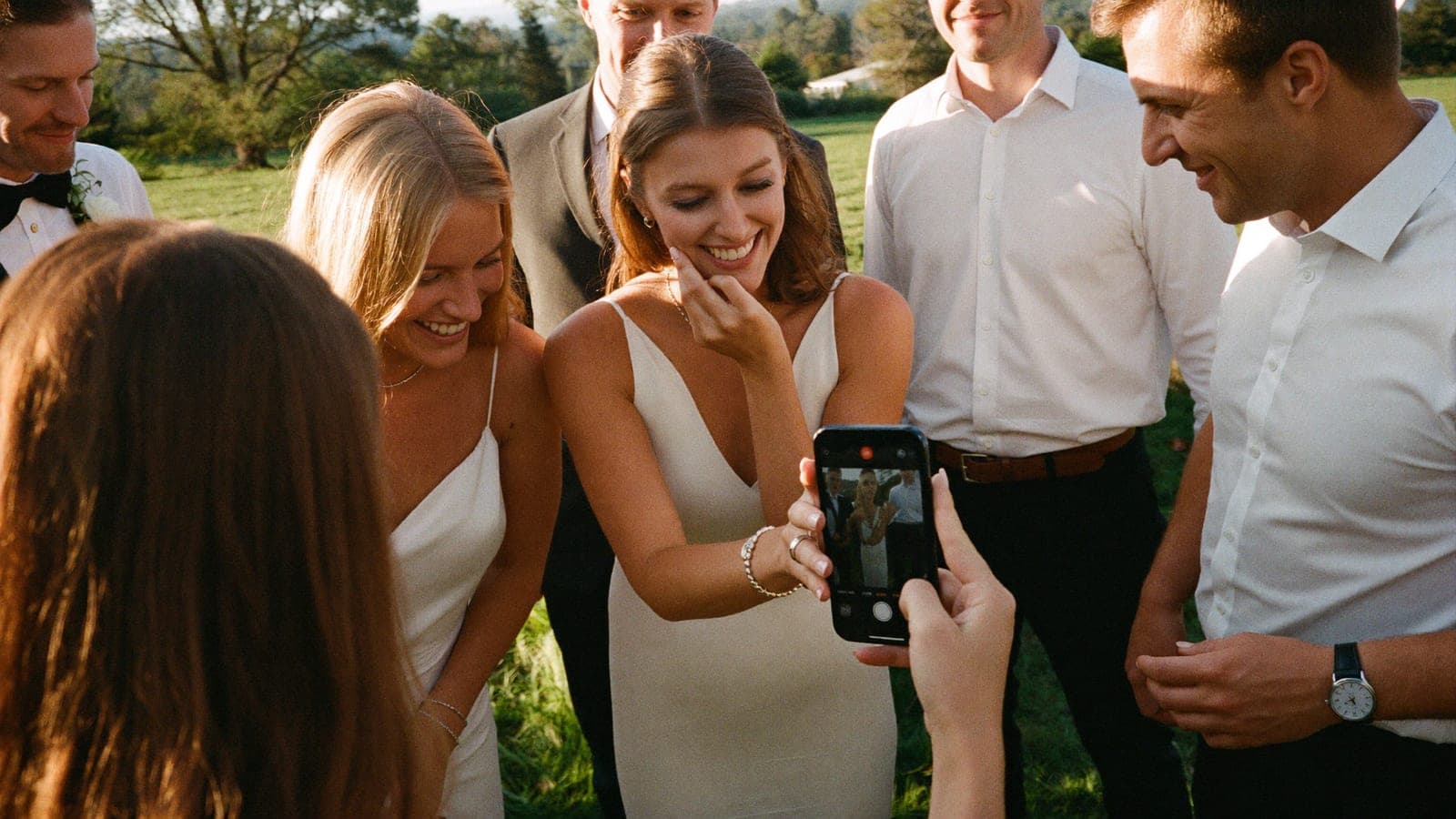
You set up a Shared Album, sent the invite to the group chat and expected a flood of photos. Instead, half your guests can't join, the Android crowd sees nothing, and the photos that did arrive look softer than the ones on your own phone. You are not doing anything wrong. Shared Albums were built for family sharing, and a wedding pushes them in ways they were not designed for.
Below are the most common reasons a Shared Album breaks at a wedding, what to check first, and when it makes more sense to switch to something every guest can use.
First, check which kind of Shared Album you have
Since iOS 27, Apple runs two versions of Shared Albums side by side, and most problems start here. According to Apple Support (September 2026):
- Albums created in iOS 27, macOS 27 or on iCloud.com use the new version: full-resolution sharing, invite links, and guests can join and add photos on the web, even without an Apple Account.
- Albums created in iOS 26 or earlier keep the old rules until you upgrade them: photos are reduced to 2048 pixels on the long edge, videos are capped at 15 minutes and delivered at up to 720p, and an album holds 5,000 photos and videos in total.
If your album was made a while ago, open it, tap the More button and choose Upgrade Shared Album. New uploads after the upgrade keep their original resolution.
Fix 1: Guests are on older software
An upgraded album opens on devices running iOS 27, iPadOS 27 or macOS 27, or later. Apple notes that participants on older software have to update or view the album on iCloud.com. At a wedding, that is a lot of aunts and uncles who have not updated in a year. Post the iCloud.com link next to the invite so they have a way in.
Fix 2: Android guests can't add anything
With an old-style album, a guest without an Apple device can at best view a public website version. With an upgraded album they can contribute on the web. If your Android guests are stuck, the album is almost always an old one. Upgrade it, then reshare the link.
Fix 3: The album suddenly stops taking uploads
Two limits catch couples out:
- Old albums cap at 5,000 items. A big wedding with a few hundred guests can get close, especially with burst shots.
- New albums use the owner's iCloud storage. Apple says new items in an upgraded album count toward the owner's storage, including what participants add. If your plan is nearly full, uploads stop. Check Settings, then your name, then iCloud before the big day.
Fix 4: Too many people want in
A Shared Album has a maximum of 100 participants, including the owner, in both versions. For a 150-guest wedding, that means some guests will never get an invite. Ask one person per household or table to join, or pick a method without a participant cap.
Fix 5: Photos look blurry or videos are short
That is the 2048-pixel and 720p limit of old albums. Upgrading fixes it for new uploads, but anything already shared stays as it was. Ask guests to reshare their favorites after you upgrade.
Fix 6: Nobody knows where to tap
The most underrated problem is simply friction. A guest at the reception has a drink in one hand and a phone in the other. If joining takes more than a few taps, they postpone it, and "later" usually means never. Put the link on a sign at the bar and repeat it in your thank-you message. Our guide to collecting wedding photos from guests has wording you can copy.
Fix 7: Know when to switch
A Shared Album works well when everyone has a recent iPhone and the guest list stays under 100. Mixed phones, older software and a big guest list are exactly where it gets fiddly. We compared the main options in the best wedding photo sharing apps.
If you want one method that works the same for every guest, Pixavo gives you one QR code, no app, and all their photos come together live in your private album. Guests point their camera at the code and share straight away; sharing the link in the group chat works just as well. See how it works. Every plan takes unlimited guests and unlimited photos, and afterwards you download the complete album as a zip file in one click, so you can download everything and keep it yourself.
Pixavo is a one-time payment: Basic $59, Premium $89 or Premium Plus $149 (prices on our pricing page on October 31, 2026). Compare the plans.
Quick checklist before the wedding
- Album created or upgraded in iOS 27 or later
- iCloud storage checked on the owner's account
- iCloud.com link ready for guests on older phones
- Guest count compared with the 100-participant cap
- Link on a sign and in your thank-you text
FAQ
Why can't my guests join my Shared Album?
Usually because they run older software or the album is an old-style one. Upgraded albums need iOS 27 or later, or the guest can open it on iCloud.com.
Can Android users add photos to an iPhone Shared Album?
Only to an upgraded album, which lets people contribute on the web without an Apple Account. Old albums only offer a view-only public website.
Why are the photos in my Shared Album lower quality?
Old albums reduce photos to 2048 pixels on the long edge and videos to 720p. Upgrade the album and ask guests to reshare.
How many people can join a Shared Album?
Up to 100 participants, including the owner, according to Apple Support.
Get your album ready
One QR code, no app, and every photo and video from your guests in one living album.
Read next
7 ways to collect wedding photos from your guests
WhatsApp, shared album, WeTransfer, disposable camera or QR album? The 7 ways to collect wedding photos from your guests, honestly compared.
5 min read
The best wedding photo sharing apps for 2027, honestly compared
Nine wedding photo sharing apps compared on price, video, quality and guest experience, with the date we checked each price. Honest, our own tool included.
4 min read
Wedding photo sharing with guests: the complete guide
How to collect every photo your guests take at your wedding. Every method compared, the wording that works, and how to set it up without an app.
4 min read