Collecting guest photos
Google Photos or iCloud shared album for your wedding?
11 November 2026 · 4 min read
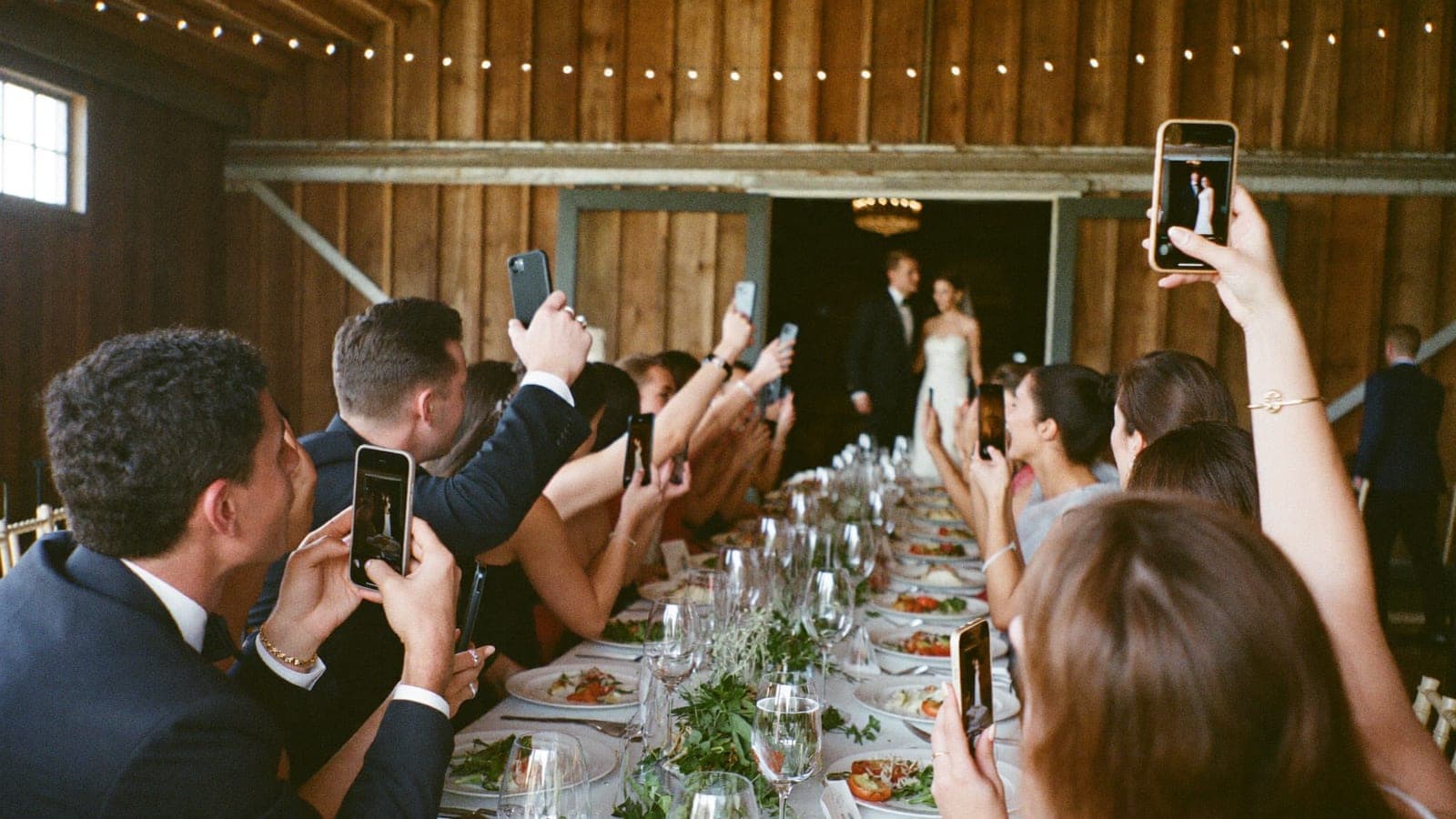
Short answer: a shared album in Google Photos or iCloud is free and works well for a small group. At a wedding with dozens of guests, iPhones and Android phones, and people who do not know which account they use, it breaks down more often. That is when an album guests upload to with one QR code helps: no account, a live slideshow and print-ready cards on the table. It does cost money: Pixavo starts at $59, one-time.
When a shared album works fine
Let's be fair: for plenty of gatherings, a shared album is all you need.
- You know everyone and everyone has the same kind of phone. A group of friends with iPhones shares easily through iCloud.
- It is a small circle, like a family dinner or a bachelorette weekend.
- There is no rush. Photos trickle in over the following days, and that is fine.
Apple improved shared albums a lot in iOS 27. According to Apple, photos are now shared in full resolution, and friends and family can join and contribute on the web even without an Apple Account or Apple device. You can choose to approve participants and make a temporary album that is deleted after 30 days. Apple notes that not every feature is available in every country.
With Google Photos, you share an album directly with people who have a Google Account, or you create a link. According to Google, anyone with the link can view the photos and add to the album.
Where it breaks down at a wedding
A wedding is not a group of friends. There are dozens or hundreds of guests, from your niece to your grandfather, on all kinds of phones.
- Accounts. With Google Photos and iCloud, a lot depends on a Google Account or Apple Account. Guests who do not have one, or do not remember which one they use, give up. And the album hangs on your own account.
- Settings and versions. An iCloud shared album needs the feature turned on, and the new options only work from iOS 27. A phone that has not been updated sees an old-style album or an invitation that fails.
- Limits. According to Apple, an iCloud shared album holds up to 100 participants, you included, which a big wedding reaches quickly.
- Explaining it on the day. A link in a group chat is not a card on the table. Anyone outside that chat never hears about it.
Shared album or QR album, side by side
| Shared album (Google Photos or iCloud) | QR album (Pixavo) | |
|---|---|---|
| Price | Free | $59 / $89 / $149 one-time |
| What guests need | Often a Google or Apple Account; iCloud via the web from iOS 27 | Just their phone camera and browser |
| iPhone and Android together | Possible, depends on the service and version | Yes, it does not matter |
| QR cards and posters | Make your own | Print-ready in every plan |
| Live on a screen during the party | Not built in | Live slideshow in every plan |
| Approve before it appears | iCloud: approve participants | Per upload, optional |
| Download everything at once | Depends on the service | Yes, in full quality |
| Whose account it lives on | Yours | A separate album, apart from your Google or Apple account |
| Where files are stored | With Google or Apple | EU servers, under the GDPR |
Checked on 11 November 2026 against the Google and Apple help pages and pixavo.io/us/pricing.
Which one fits your wedding?
Pick a shared album if it is a small, tech-comfortable group, everyone has the same kind of phone and you want it free.
Pick a QR album if there are lots of guests on all kinds of phones, you want grandma to join without a walkthrough, you want the photos on a screen during the party and you would rather keep the album separate from your own Google or Apple account.
Want every option side by side, including group chats and disposable cameras? Read every way to collect wedding photos, or see how Pixavo works. Wondering how to get guests to actually share? Read how to ask guests to share their photos.
Frequently asked questions
Is a Google Photos shared album free?
Yes, creating and sharing one costs nothing. You do need a Google Account, and the album hangs on that account.
Can Android users join an iCloud shared album?
According to Apple, in albums created in iOS 27 or on iCloud.com, friends and family can join and add photos on the web, even without an Apple Account. Apple notes that not all features are available in every country or region.
Are photos in a shared album downsized?
Not in new iCloud albums from iOS 27, which Apple says share in full resolution. In albums created in iOS 26 or earlier, Apple resizes photos to 2048 pixels on the long edge and videos to 720p.
Why not just use a group chat?
Messaging apps usually compress photos and videos when you share them, and everything gets lost between the messages. For a wedding, that is a waste of quality.
What does a QR album from Pixavo cost?
$59, $89 or $149 one-time, with unlimited guests and photos, video and a live slideshow in every plan. If your album stays empty, you get your money back. See the plans.
Sources: support.google.com/photos (share photos and videos, viewed 11 November 2026), support.apple.com/108314 (Shared Albums, published 6 October 2026), pixavo.io/us/pricing.
Get your album ready
One QR code, no app, and every photo and video from your guests in one living album.
Read next
How to ask guests to share their photos
Wording that actually works: what to put on your invitation, table cards, in the speech and in the thank you message after the wedding.
4 min read
The best wedding photo sharing apps for 2027, honestly compared
Nine wedding photo sharing apps compared on price, video, quality and guest experience, with the date we checked each price. Honest, our own tool included.
4 min read
WedUploader alternative: Google Drive or your own album?
WedUploader saves guest photos to your own Google Drive for a one-time $39. When that is smart, where it can pinch, and when a separate album like Pixavo fits better.
4 min read