Collecting guest photos
Digital wedding guest book: how it works
Updated 28 August 2026 · 4 min read
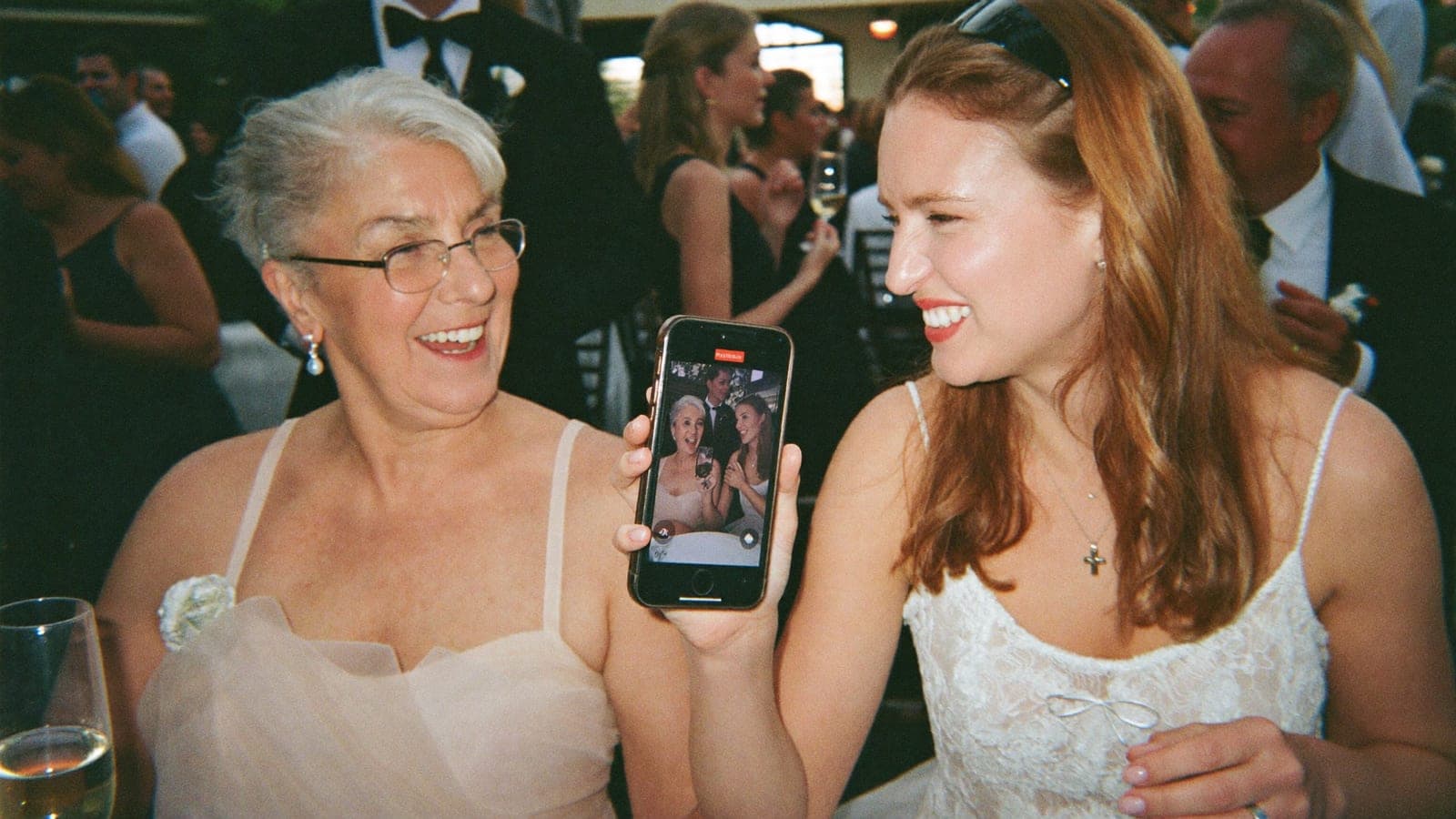
The classic guest book is a lovely idea with a familiar problem: it sits at the back of the room, half your guests walk past it, and those who do write rarely get beyond "what a beautiful day, congratulations!". A shame, because the thought behind it (something lasting from everyone who was there) is exactly what you want.
A digital guest book fixes that. Guests leave photos, videos and spoken messages instead of a scribble, straight from their own phone. Here is how it works, what it costs, and how to combine it with the classics.
What is a digital guest book?
An online place where guests leave their contribution to your day: a video message, a set of photos, a written note. Access runs through a QR code you put on the tables or by the entrance. Guests scan, choose what to leave, done.
The big difference from a paper book is the barrier and the moment. Recording a video message at your own table, at a moment you choose, produces something very different from a hurried scribble on the way out. And you get faces and voices, not just words.
Why video is the heart of it
Ask couples what they rewatch most after five years and it is rarely the photo book alone: it is the videos. Your friend losing his thread halfway through a message. Your gran looking straight into the camera telling you how proud she is. Voices and faces age with you.
In practice: ask guests to record a short video message through the QR code. Give them a prompt ("tell us your favourite memory of us" or "give us one piece of advice") because that is far easier than a blank "say something".
Prompts that work well:
- "What is your favourite memory of us?"
- "Give us one piece of advice for the next fifty years."
- "What did you think when you heard we were getting married?"
- "Describe us in three words."
No videographer booked? Then the same album is where the vows and the speeches end up too. How to capture those without a videographer budget is in No wedding videographer? Here is how you still miss nothing.
Digital, classic, or both?
A digital guest book does not rule out the physical ones; they complement each other:
- Digital plus polaroid. Guests take an instant photo for the physical book and upload their phone photos digitally. The best of both.
- Digital plus audio. The rotary-phone-you-speak-into is a big trend. Charming, but expensive to hire; the digital video alternative costs a fraction.
- Digital only. Increasingly common, especially at weddings already using a QR photo album: the guest book simply becomes part of the same album.
What does it cost?
Standalone digital guest book services usually run €30 to €100. But check before you pay twice: if you are already using a QR code photo album for guest photos, you effectively have a digital guest book already. With Pixavo, guests upload photos and video to the same album, so leaving a video message works exactly like sharing a photo: scan, record, done. One QR code for everything, from €59 one-off.
All you need to arrange is the ask: put it on a card by the entrance or on the tables that video messages are welcome alongside photos. Ready-made wording is in How to ask guests to share their photos.
Make a moment of it
A digital guest book gets better the more of a stage you give it:
- A guest book corner. A high table with a sign, the QR code large, maybe a ring light. Having a place helps enormously.
- Whoever is running the day. One line during the evening ("there is a video guest book, do leave something") doubles the response.
- The live slideshow. Run a slideshow during the party and guests see other people's contributions go by, which brings the rest along.
What not to do
- Do not make it compulsory. Some guests genuinely do not want to be on video, and a written message or photo is just as lovely. Offer the choice.
- Do not require an app. Every barrier costs you messages; through the browser and a QR code it works for everyone, including your grandparents' generation.
- Think before putting messages on the big screen. Photos on the screen are fun; a private message to the two of you may not belong there.
After the wedding
Download everything in full quality and keep it in two places. Then plan one evening, a few weeks later, to watch it all back together. The messages you missed on the day are exactly what you did this for.
One album for everything
With Pixavo the guest book is not a separate service, it is simply your album: guests scan one QR code and leave photos, videos and messages in the same place, with no app.
See how it works or read the complete guide to wedding photo sharing.
Get your album ready
One QR code, no app, and every photo and video from your guests in one living album.
Read next
QR code wedding photo album: how does it work?
With a QR code photo album your wedding guests upload all their photos to one place, no app needed. How it works, what it costs, what to look for.
4 min read
No wedding videographer? Here is how you still miss nothing
The #1 wedding regret is that nobody recorded the vows and speeches. How to capture them without a videographer, for a fraction of the cost.
3 min read
How to ask guests to share their photos
Wording that actually works: what to put on your invitation, table cards, in the speech and in the thank you message after the wedding.
4 min read