Collecting guest photos
Wedding photo challenges your guests will actually do (30 ideas, all optional)
28 September 2026 · 5 min read
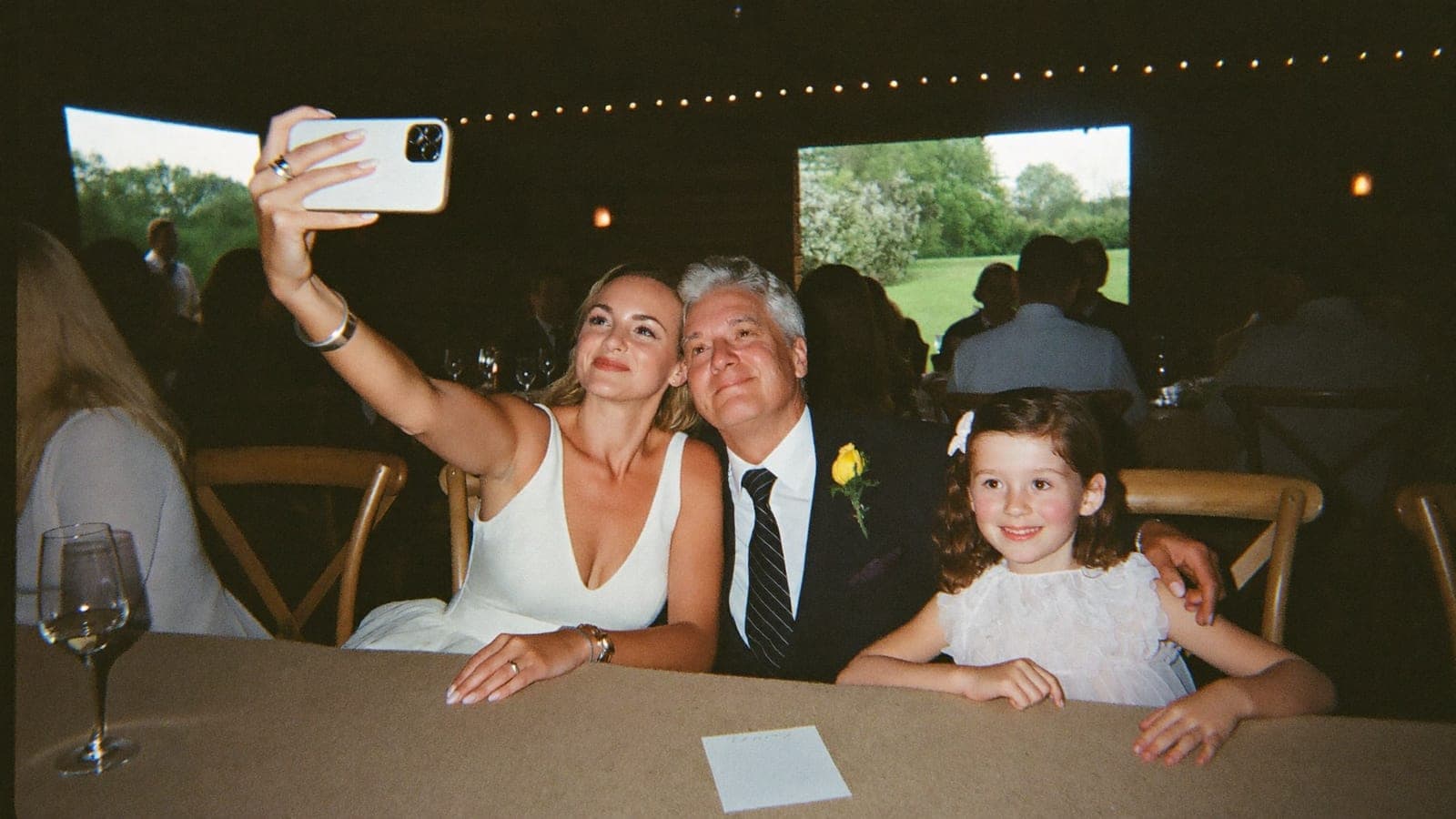
Wedding photo challenges work when there are five to eight per table, when nobody has to do them, and when every result lands in the same place. Guests will photograph your wedding anyway; a short list of prompts points them at the funny, the quiet and the odd moments a photographer never catches, and a single QR code on the table means the photos end up in one album instead of on thirty camera rolls. Below: 30 challenges grouped by moment, how to keep them voluntary, where to put them, and why the kids get their own list.
Ceremony-free ideas (before and after the vows)
None of these need a phone during the ceremony, so they work even at an unplugged one.
- The venue before anyone else has arrived, from wherever you happen to be standing
- Your own outfit, shoes included, before it meets the dance floor
- The confetti or petals in mid-air as the couple walks out
- Someone wiping away a tear on the way out (of the ceremony, not during it)
- The rings, as close as you dare, once they are on hands
At the table
- Your whole table, everyone in the frame, nobody hiding behind a glass
- A selfie with someone you met for the first time today
- The guest who travelled the furthest to be here
- Two people who clearly have not seen each other in far too long
- The best plate of food of the evening
- Someone laughing so hard they cannot speak
- A detail of the decor that somebody obviously thought hard about
On the dance floor
- The first dance, from the edge of the floor
- The best dance move of the night
- The DJ or the band, mid-song
- Someone singing every word at the top of their lungs
- The shoes that came off
- The very last picture of the night, whatever it turns out to be
With the couple
- The couple, photographed while they have no idea
- A selfie with the couple in the middle of the dance floor
- The couple's faces during the funniest line of a speech
- The couple doing something completely ordinary: eating, checking the time, hugging a grandparent
For kids
- The best shoes at the wedding, your choice
- The cake, photographed from your own height
- The grown-up being the silliest
- Something in the room that nobody else has noticed
For the older guests
- A generation photo: the youngest and the oldest guest together
- The couple from where you are sitting, whenever the moment feels right to you
- A short video: your own wedding-day memory, told to the camera in one minute
- A toast, at the exact moment the glasses touch
Keep it voluntary
Three rules make the difference between challenges that produce photos and a card left face down on the table.
- Five to eight per table, not thirty. A list of 30 is a chore; a card with six is an invitation. Spread the list across the tables so everything gets covered without anyone seeing the whole thing.
- Nobody has to. Say so on the card. The point is a nudge for the guests who like a task, not homework for the ones who came to talk.
- No challenges during a phone-free ceremony. If you are asking guests to put phones away for the vows, do not hand them a reason to get one out. Keep the ceremony section to before and after, as above, or leave it out. See unplugged wedding ceremony for the wording.
And mix the moods: four jokes and two quiet ones (the tear, the generation photo) tell guests you also want the moments that matter.
Where to put the challenges
Put the challenges on the same card as the QR code, or right next to it. A prompt without a drop-off point ends up in a camera roll and never leaves it; a prompt with the code beside it has a destination built in. How to design and print that card is in wedding photo QR code signs and table cards.
Other places that work: the back of the menu or programme with the code repeated, or the group chat on the morning of the wedding.
One upload place is the rule that matters. A printed card plus "send them to my phone" splits the results; one code, one album keeps every challenge photo from every table together.
Kids as photographers
Kids take the photos adults never think of: the underside of the table, the cake at eye level, the uncle mid-sneeze. Give the children's table its own four challenges (numbers 23 to 26 are a start) and let them upload from a parent's phone with the same QR code. Or just hand them a phone and tell them to go, which for most eight-year-olds is challenge enough. More on keeping children busy and included in kids at a wedding.
Want a winner?
Optional, and it changes the mood, so decide on purpose. If you like a bit of competition, have the person running the day announce the best challenge photo at the end of the night, shown large on the screen. It works best when the live slideshow has been running all evening, because guests have already seen their photos appear and know where the results go. If you would rather keep it gentle, skip the winner and let the slideshow be the reward.
One code, one album
Challenges only pay off if the photos land somewhere. With Pixavo, every guest scans the same QR code and uploads through the browser, no app, no account. Photos and videos arrive in one private album in full quality, the live feed and slideshow show them as they come in, and you can hide anything or turn on pre-approval so uploads appear only after someone has approved them. The printables in every package include a photo challenge card: up to ten challenges of your own next to the QR code, ready to print or save as a PDF, so the challenges and the code sit on the same card. Ready in about five minutes, one-time, from €59.
Frequently asked questions
How many photo challenges should I give wedding guests?
Five to eight per table. Rotate different sets across the tables so all 30 get covered without any one guest seeing a long list.
Are wedding photo challenges the same as a photo scavenger hunt?
Close enough. A scavenger hunt usually has a full list and a winner; challenges are shorter and optional. Both work better with one place to upload the results.
Do guests need an app for the challenges?
No. They scan the QR code on the card with their camera and upload from the browser. Nothing to install, no account.
Can children join in?
Yes. Give the kids' table its own four challenges and let them upload from a parent's phone with the same code.
What if a guest uploads something we would rather not show?
Hide it from the album with one tap, or turn on pre-approval so photos appear on the feed and the slideshow only after someone has approved them.
Next step
Print the card that holds the challenges and the code: wedding photo QR code signs and table cards. New to the idea of a shared album? See how it works; setup takes about five minutes.
Get your album ready
One QR code, no app, and every photo and video from your guests in one living album.
Read next
Wedding photo QR code signs and table cards: wording, sizes and how to test them
Where to put wedding photo QR code signs, which sizes work, 8 lines of wording to copy, print rules, how to test the code, and whether it expires.
5 min read
Live wedding photo slideshow: setup, screen and pre-approval
Run a live wedding photo slideshow: what you need, where to show it, pre-approving uploads, screen and network setup, speech pauses and a checklist.
6 min read
Kids at your wedding: yes or no, and how to say it nicely
Inviting kids to your wedding or keeping it adults-only? The honest trade-offs, polite wording examples for your invitations, and how kids can make your day.
3 min read