Collecting guest photos
Wedding photo QR code signs and table cards: wording, sizes and how to test them
28 September 2026 · 5 min read
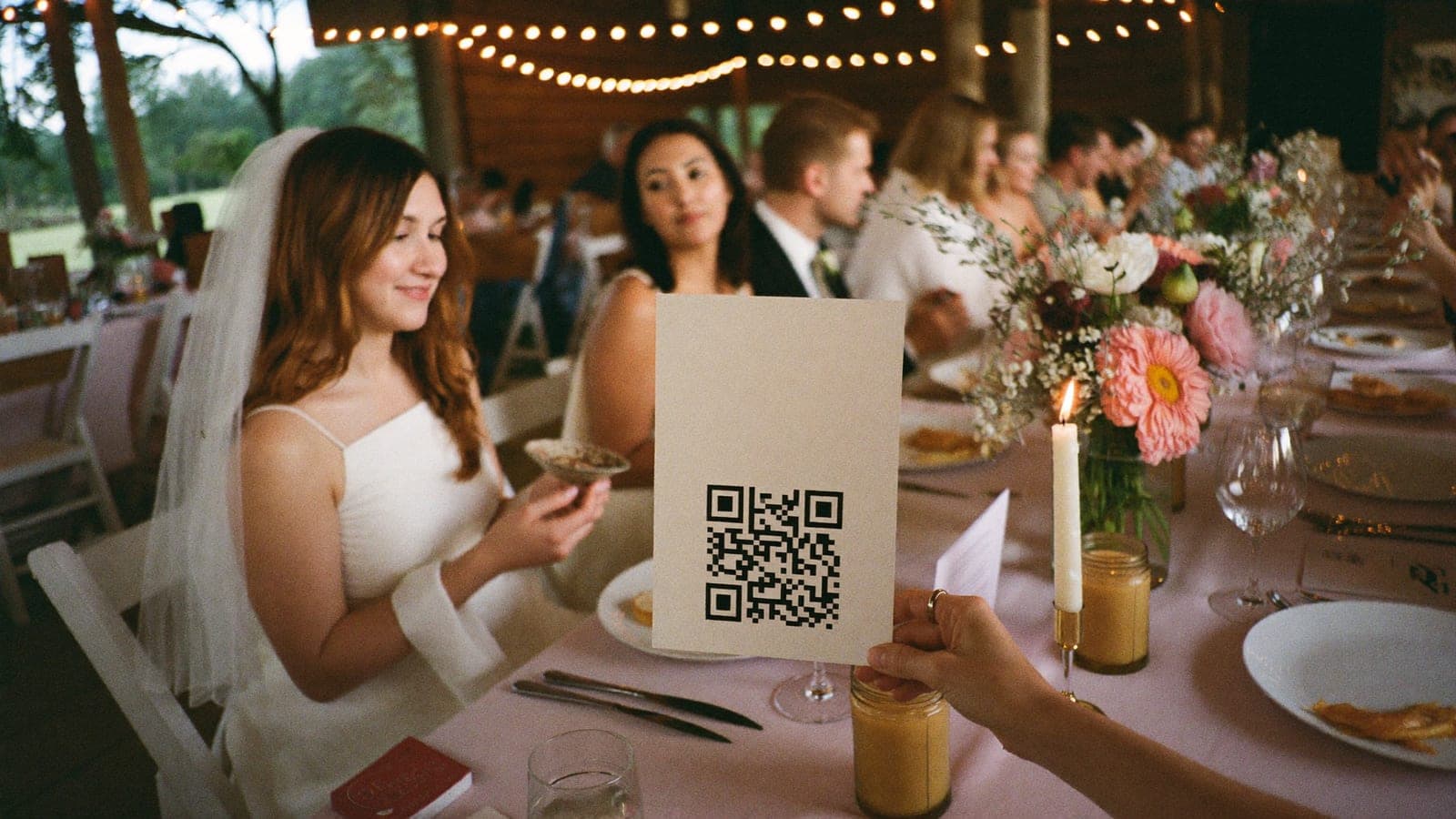
Put a QR code sign on every table, one at the bar, one at the entrance and one at the photo corner. Print the code dark on a light, matte background, at least 3 cm (1.2 in) wide on a table card and 8 cm (3 in) on a poster, with one short, warm line that says what happens when someone scans. Then print one proof and test it with a logged-out phone under the lighting you will actually have.
Where the code goes
The table is where most uploads happen: guests are seated, relaxed, and the phone is within reach. One card per two or three guests is enough; for 100 guests that is 35 to 50 cards. Four more spots pull their weight:
- The bar. People wait there with their phone out; a small sign at eye level gets scanned a lot.
- The entrance. A poster next to the seating chart primes guests before they see the code again at their table.
- The photo corner or photo booth. Guests have just taken a photo and are wondering what to do with it.
- The back of the menu or programme. A free repeat of the same code.
The invitation is a fifth spot with a different job: it announces the album months ahead. Put the code on the back or on a separate small card in the envelope, never across a fold.
One rule everywhere: one code per sign. Two codes side by side (album and RSVP, say) means people scan neither.
Sizes that work
- A4 or US Letter poster (21 x 29.7 cm / 8.5 x 11 in) on a stand at the entrance or the bar. Code at least 8 cm (3 in) wide so it scans from a metre away.
- Tent cards, four per A4 or Letter sheet, the standard table card. Cut into quarters and folded, each stands about 10.5 x 7.4 cm (4.1 x 2.9 in). Code 3 to 4 cm (1.2 to 1.6 in).
- Square sign, 15 x 15 cm or 20 x 20 cm (6 x 6 in or 8 x 8 in), on a small easel at the photo corner or the bar. Code 5 to 6 cm (2 to 2.4 in).
- Small cards, 9 x 5 cm (3.5 x 2 in), business-card size, for the invitation envelope or the guest book table. Code no smaller than 2.5 cm (1 in).
Paper: 250 to 300 gsm (roughly 90 to 110 lb cover); thinner tent cards fall over.
Eight lines you can copy
A bare code makes people wonder what happens when they scan it, and when they wonder, they do not scan. One short, warm line fixes that. Mention that no app is needed; it removes the doubt for less technical guests.
- "Scan to share your photos of today."
- "You'll see moments our photographer will miss. Scan and share them with us."
- "Point your camera at the code. No app, no account, just your photos."
- "Everything you shoot today lands in one album. Scan to add yours."
- "Caught a good one? Scan, upload, done."
- "Photos and videos welcome, blurry ones included. Scan to share."
- "Scan now, and again on the way home."
- "Help us see today through your eyes. Scan to share."
A finished card has a one-line heading (24 to 32 pt), the code, one line of instruction (11 pt), and optionally your names and the date (9 pt). Nothing else. More lines, including what to say from the microphone, are in how to ask guests to share photos.
Print rules that keep the code scannable
- Dark on light. Black or a dark colour on white or cream. Light codes on dark backgrounds fail on many phones.
- No gloss. Glossy paper, foil and spot varnish reflect light and break the scan. Matte or uncoated stock only.
- Minimum size. 2.5 cm (1 in) on small cards, 3 to 4 cm (1.2 to 1.6 in) on table cards, 8 cm (3 in) or more on posters. A code scans comfortably from about ten times its own width.
- Quiet zone. Leave at least 4 mm (0.15 in) of blank margin around the code, even if your designer prefers full bleed; the scanner needs that frame.
- Nothing behind it. No floral pattern, no photo, no watermark, and keep it off the fold line.
Test it before you print
Print one proof on the real paper. Five minutes here prevents a box of 100 cards that almost work.
- Scan with a phone that is logged out of everything and has no photo apps installed, using only the built-in camera app, because that is what your guests will use.
- Test under party light: dim the room, hold the card next to a candle, try again. If it fails by candlelight, make the code bigger.
- Test on an iPhone and on an Android phone.
- Upload one photo from the guest page and watch it appear in the album, then hide or delete it.
Does a QR code expire?
A Pixavo QR code points to your album and keeps working for as long as the album is online. It has no expiry date of its own.
People ask because many free QR generators create a redirect link that they control, and after a trial period the redirect stops or asks for a paid plan. The code on your cards has not changed, but it now points at a dead page, and 100 printed invitations cannot be fixed. Use the code your album service gives you, which points directly at the album.
The code and the album's storage period are two separate things. The code is the address; the album is what lives there, and how long it stays online depends on your plan (see pricing). While the album is online, the code works.
So create the album before your cards go to print, which for invitations is typically three to four months out.
Printables are in every package
Every Pixavo album comes with printable table cards, posters, signs and small cards carrying your own code and your album link, in the colour you pick, ready to print or save as a PDF. Guests share photos and videos through the browser; you download everything in full quality afterwards. Ready in about five minutes, one-time, from €59.
Frequently asked questions
How big should a QR code be on a wedding table card?
At least 3 cm (1.2 in), and 4 cm (1.6 in) if the room will be dim. On a poster at the entrance, 8 cm (3 in) or more.
Where should I put the QR code at my wedding?
On every table, plus the bar, the entrance and the photo corner.
Do guests need an app to scan a wedding QR code?
No. The camera app on any recent iPhone or Android phone opens the album in the browser.
Can I put the QR code on the invitation?
Yes, on the back or on a separate small card in the envelope. Create the album first so the code is final, and never use a temporary generator link.
How many QR signs do I need for 100 guests?
35 to 50 table cards, one poster at the entrance, and a small sign at the bar and the photo corner.
Next step
See what guests see when they scan in how a QR code wedding photo album works, or go to how it works and download your printables today.
Get your album ready
One QR code, no app, and every photo and video from your guests in one living album.
Read next
QR code wedding photo album: how does it work?
With a QR code photo album your wedding guests upload all their photos to one place, no app needed. How it works, what it costs, what to look for.
4 min read
Wedding photo challenges your guests will actually do (30 ideas, all optional)
30 wedding photo challenges for guests, grouped by moment and all optional: at the table, on the dance floor, with the couple, for kids and older guests.
5 min read
Live wedding photo slideshow: setup, screen and pre-approval
Run a live wedding photo slideshow: what you need, where to show it, pre-approving uploads, screen and network setup, speech pauses and a checklist.
6 min read