Pick a plan and your album is ready right away, with its own QR code and link. Names and date take a few taps afterwards.
02
pixavo.io · tap to open
Beforehand
Put the QR code on the tables
Download your QR code and put it on table cards, the welcome sign or the invitation. Printable QR table cards in your own style come standard with every plan.
03
LIVE
All day long
Watch along live
Every photo and video appears in your feed right away. Put the live slideshow on the big screen and the whole party watches along.
What your guests see after one scan.
Their phone camera recognises the QR code and opens your album straight in the browser. Pick a photo, add a name, share: that is all. It works on any phone, from your seven-year-old niece to your grandad, and reacting with hearts works right away.
A packed venue means slow wifi, and the upload is built for exactly that. If the connection drops, the chosen photos wait safely on the phone and go into the album by themselves as soon as there is internet again. Keep the page open until everything is in; if a guest closes it anyway, the album picks up the waiting photos as soon as they open it again on that phone. That is how every shared photo arrives in your album in one piece.
For guests who are not that handy with their phone.
Five steps, and most grandparents manage with the first three.
Open the camera app, just like taking a photo.
Point the camera at the card with the code. A button or a yellow bar with a link appears. Tap it.
The album opens. Tap the Upload button.
Pick the photos you want to share. Done: they go into the album by themselves.
Scanning does not work? Type the link under the code into the browser. It is printed on every card.
Tip for the couple: appoint one younger guest per table as a helper. It costs nothing and works better than any instruction.
After the wedding it truly becomes yours.
The morning after, you scroll through everything you missed. You download all photos and videos in high quality, and the album stays online to look back and share: depending on your plan, six months up to three years.
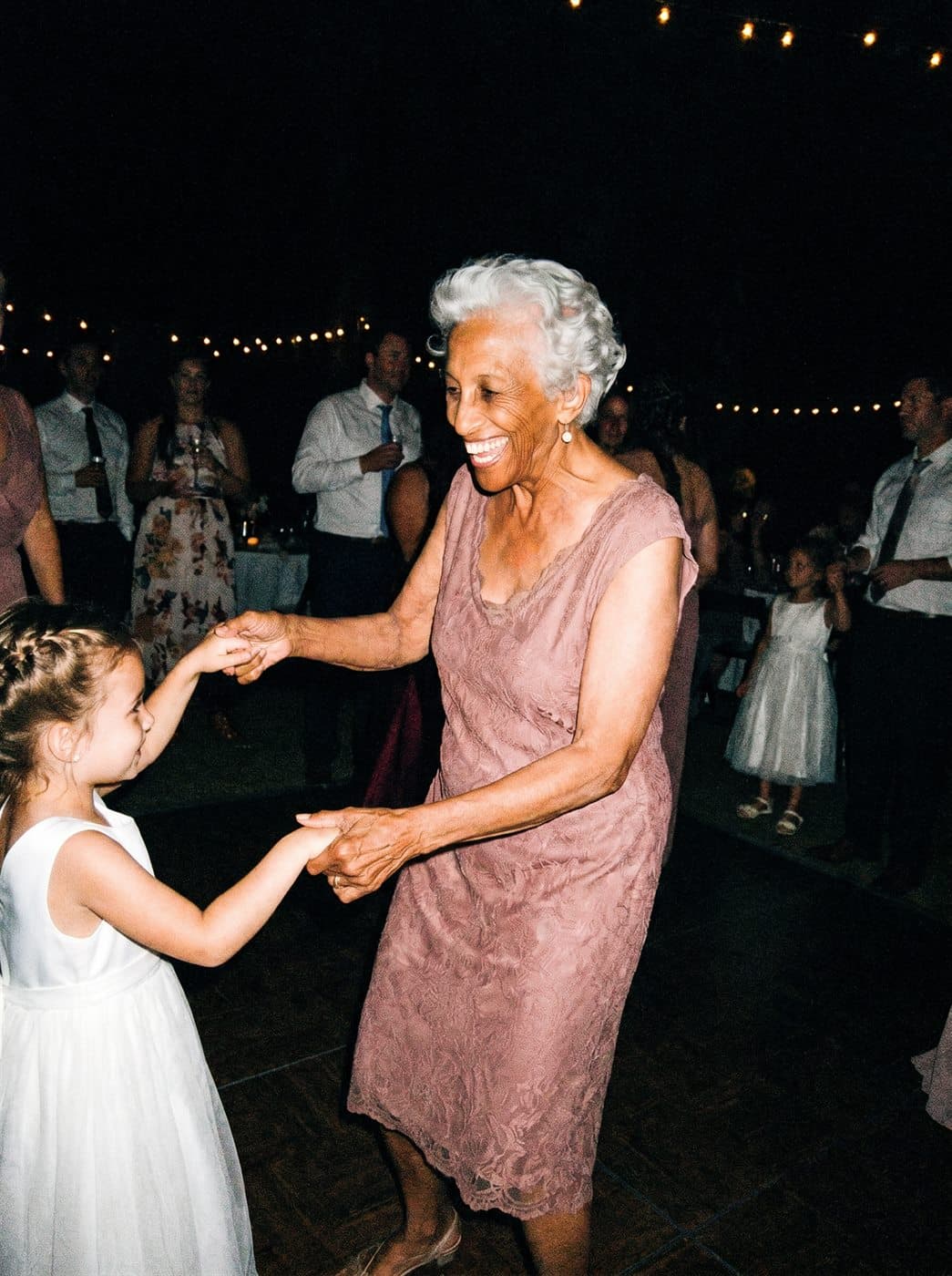
shared by grandma Roseshared by mumshared by Sophie
The questions we hear most.
Will my guests actually join in?
This is the question almost every couple asks, and rightly so: everything depends on it. Guests join in precisely because taking part is one scan, straight from their own phone, without an app or account. And the live slideshow on the big screen shows what comes in, so the rest follow along.
Do guests need to install anything or make an account?
No, and that is exactly why it works for young and old. The scan opens your album in the browser, on any phone. One scan and they are in your album.
Can we decide which photos end up in the album?
Yes. By default everything appears live, that is the party. If you would rather see things first, turn on approval and photos only appear after you approve them. You can always delete, and a guest can also remove their own photo.
When should we create the album?
Whenever you like. Creating it takes 5 minutes and the QR code simply waits until the big day, so setting it up well in advance buys peace of mind: time to print the table cards and show the sample album to family.
Does it work for videos too?
Yes, guests share photos and videos. Photos are unlimited in every plan; for video, plans include 1, 3 or 6 hours in total.
What if the upload does not work?
It is usually the venue wifi: a full room means a slow connection, and the upload is built for exactly that. Photos you pick wait safely on your phone in a queue and go into the album by themselves as soon as there is a connection again; you do not have to redo anything, just keep the page open. If it stalls, check three things: is the page still open, do you have mobile data or wifi, and is the counter that shows how many photos are in the album going up? Closed the page anyway? Open the album again on the same phone: whatever was still waiting usually continues by itself. If it really does not work at the party, the QR code also works the next day at home: scan again and upload then. Until then, your photos stay on your own phone.
Does my whole camera roll get uploaded automatically?
No. Guests choose which photos and videos to share; nothing is ever uploaded automatically. Someone who scans and picks nothing shares nothing. Pixavo cannot look into a guest's photo library: only the photos that guest taps to share end up in the album.
What is the best photo sharing app for a wedding?
The best option is one your guests never have to install. Pixavo works in the browser: guests scan one QR code on the table, upload their photos and videos without an app or account, and everything lands live in one private album. On an average wedding, 15 guests share over 200 photos and videos this way.
How do I collect photos from guests without an app?
Put one QR code on every table and at the bar. Guests scan it with their phone camera, the album opens in the browser, and they pick the photos and videos to share. No download, no login. You see everything come in live and download it all in full quality afterwards.
How do I use a QR code at my wedding?
Put one QR code on the table cards, the invitation or a small sign at the entrance. Guests scan it with their phone camera, the album opens straight in the browser and they choose which photos and videos to share. You watch everything come in live and download it all in full quality after the wedding. No app, no account, ready in five minutes.
Can I make a QR code myself?
Yes, but for a photo album you do not need to: with Pixavo the QR code is ready the moment your album is created, including printable table cards, posters and small cards in your own colour. Want the code in your own design or at the printer? Then you download just the QR code as a separate file.
What is the best app for weddings?
That depends on the job. For planning, many couples use a checklist or wedding website, for the music a shared playlist, and for the guests' photos a QR album like Pixavo, which works without an app. Pick the simplest tool for each part; the less your guests have to install, the more of them join in.
One scan on the day, everything for after.
Create your album and watch it fill itself on the big day, while you simply celebrate.