Collecting guest photos
Is a wedding website worth it? The honest answer
Updated 4 September 2026 · 3 min read
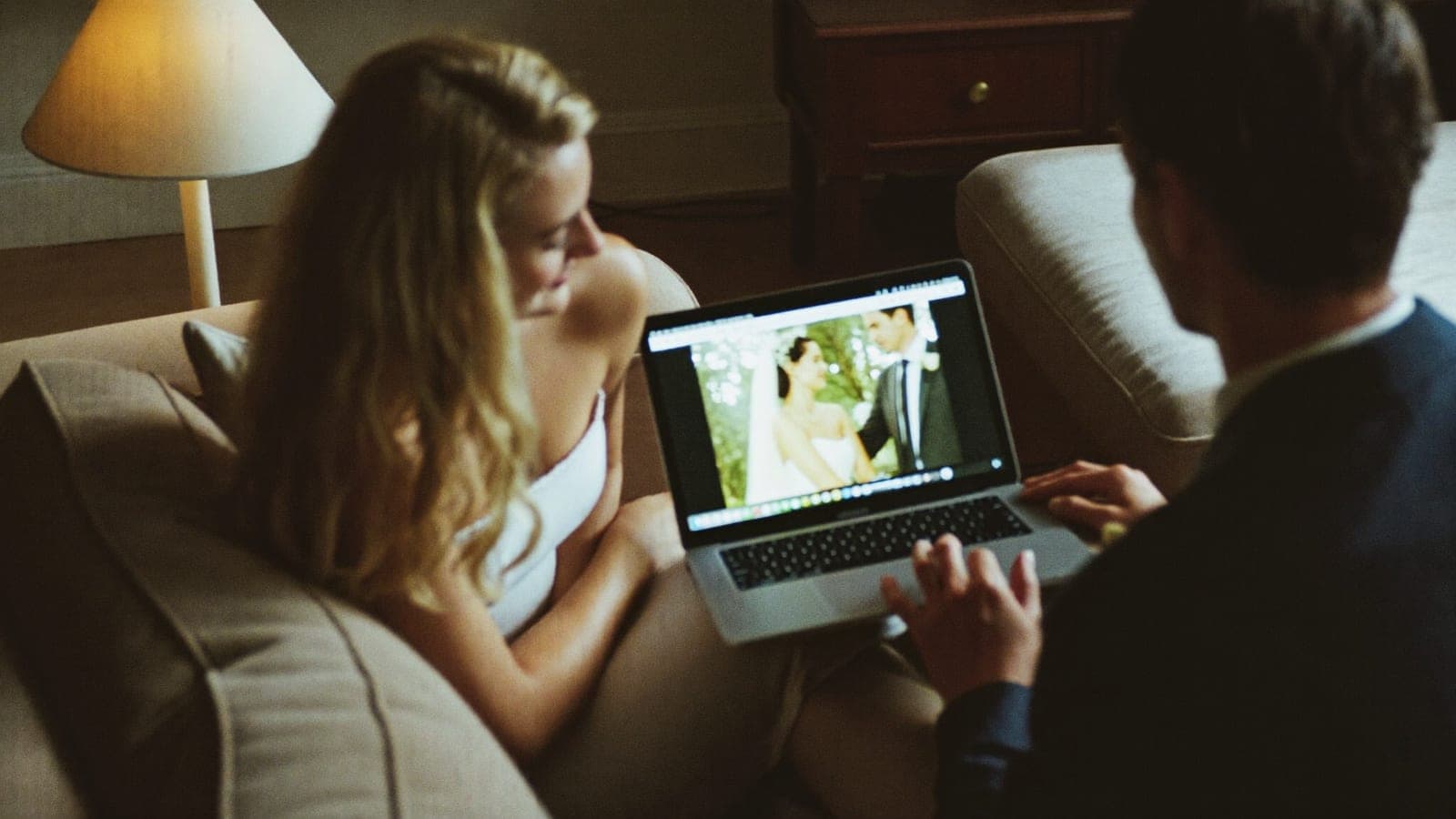
It is one of the most honest questions engaged couples ask each other online: "do my guests actually open the wedding website, or am I building this for nothing?" The answer, from thousands of shared experiences, is sobering: most guests open your wedding website once, for the RSVP, and never again. The lovingly written "our story" page, the photo gallery, the extensive FAQ: largely unread.
Does that make a wedding website pointless? No. But it does mean you should build it differently than the templates encourage you to.
What a wedding website does well
One thing, and that one thing is valuable: it is the lookup spot for practical information at the moment a guest needs it. Address and directions, timeline, dress code, parking, nearby hotels, the gift list. Not because guests browse it for fun, but because it saves you (or your mum) from answering the same questions twenty times over text. The RSVP function is the second real reason: digital RSVPs demonstrably beat reply cards, although in practice you will still end up chasing a chunk of your guest list either way.
What you can skip
Build it in an evening, not a month. The rule of thumb: everything a guest needs in order to show up, and nothing more. One page with times, location and practical details, plus the RSVP. Long stories, countdown widgets and photo galleries are lovely for the two of you, but the visit statistics will disappoint you; spend that time on things guests actually experience. And put the link on the invitation as a QR code, because nobody types out a URL.
The thinking error: the website is for before the wedding, not after
Many couples also see the wedding website as the place where "the photos will go afterwards". In practice that fails for the same reason: guests do not return to a website, and almost nobody uploads photos through a site with a login. Photo sharing has to happen at the party, the moment the photo is taken, with zero friction.
Our own album data is clear on this: guests who only need to scan a QR code (no app, no account) share 200+ photos and videos per wedding on average, and in the typical album 95% of it is in within 48 hours of the party. The difference between a photo page on a wedding website and a QR code on the table is the difference between asking for effort and asking for a scan.
The division of labour that works
- Invitation: the invite itself, who exactly is invited, the link to your website. The one line about photos that belongs on it is in How to ask guests to share their photos.
- Wedding website: practical info and RSVP. One evening of work, done.
- QR photo album: everything that happens on the day itself; photos, videos and the live photo wall on the big screen.
Three tools, each used at the moment guests actually use them. That way your time goes into the day itself instead of into pages nobody reads.
Curious how the QR album works? Read the complete guide: one code on the tables, no app, from €59, one payment, money back if your album stays empty.
Get your album ready
One QR code, no app, and every photo and video from your guests in one living album.
Read next
Wedding photo sharing with guests: the complete guide
How to collect every photo your guests take at your wedding. Every method compared, the wording that works, and how to set it up without an app.
4 min read
How to ask guests to share their photos
Wording that actually works: what to put on your invitation, table cards, in the speech and in the thank you message after the wedding.
4 min read
QR code wedding photo album: how does it work?
With a QR code photo album your wedding guests upload all their photos to one place, no app needed. How it works, what it costs, what to look for.
4 min read