Collecting guest photos
7 ways to collect wedding photos from your guests
26 July 2026 · 5 min read
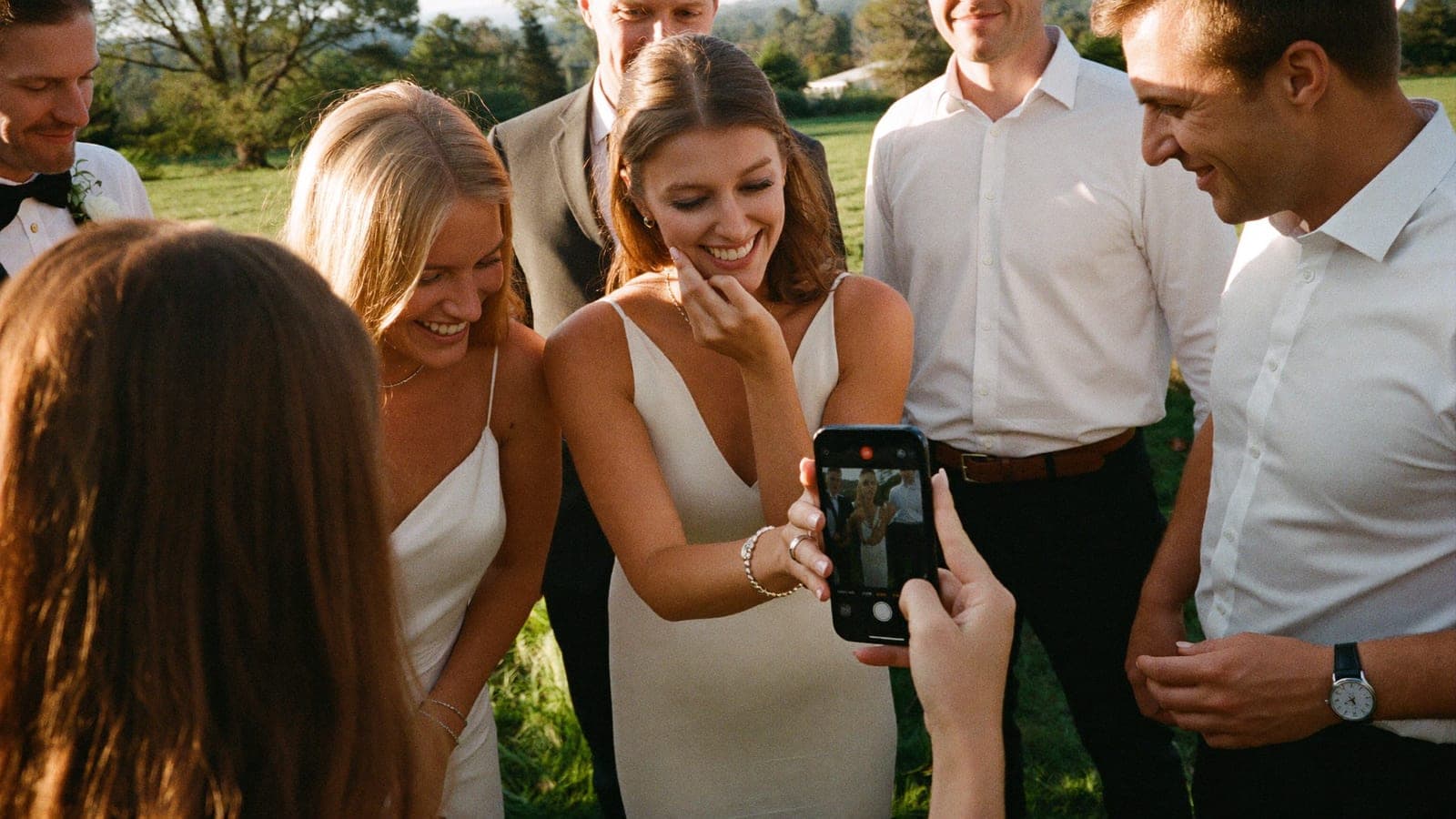
Between them, your guests will take hundreds of photos and videos at your wedding. The question is not whether they photograph, but whether you ever get to see any of it. Without a plan you end up with a handful of WhatsApp messages the week after.
There are broadly seven ways to collect guest photos. Here are all of them, with the honest pros and cons, and a recommendation per situation.
1. The WhatsApp group
Create a group and ask everyone to drop their photos in. Free and familiar.
Pros: everyone knows it, no explaining needed, costs nothing.
Cons: WhatsApp compresses photos and videos heavily, so you never get original quality unless everyone sends everything as a file, which nobody does. Photos sit between messages, downloading is manual file by file, and a group with 80 guests becomes chaos. Large videos often will not send at all.
Verdict: fine for a small party, unsuitable as your main channel for a wedding.
2. Email or WeTransfer afterwards
Ask guests to send everything after the day.
Pros: full quality, no cost.
Cons: the response rate is dismal. It asks guests to sit down at home, days later, pick out photos, find a link and upload. Only your mother and your best friend will do it. And you end up with dozens of separate folders and links to merge yourself.
Verdict: works only with extremely motivated guests, and there are few of those.
3. A shared album (Google Photos or iCloud)
Create a shared album and send the link round.
Pros: free, reasonably familiar.
Cons: the details are where it falls apart. iCloud albums work poorly for Android guests, and Google Photos wants a Google account, which is exactly the barrier where guests drop off. Free tiers often compress your images too. And you are sharing a link anyone can forward, with no control.
Verdict: a decent free option for a small circle, a hassle as soon as you have a mixed iPhone and Android crowd of all ages.
4. A social media hashtag
Everyone posts with #sarahandtom and you look it up later.
Pros: zero effort in advance.
Cons: you only get what guests were going to post publicly anyway, in social media quality. The private photos, which is most of them, you never see. And plenty of people do not want wedding photos out in the open.
Verdict: a nice extra, not a collection method.
5. Disposable cameras on the tables
The analogue classic.
Pros: atmosphere, nostalgia, something physical.
Cons: expensive per usable photo (£190 to £290, or €220 to €330, for ten tables including developing), a maximum of 27 shots per camera, plenty of failed indoor shots, no video, and weeks of waiting. We run the full numbers in Disposable cameras at your wedding.
Verdict: lovely as an addition with two or three cameras, too costly and too uncertain as your main plan.
6. Event photo apps
Dedicated apps guests upload their photos into.
Pros: everything in one place, often with nice extras.
Cons: guests have to download an app and usually create an account. That is the drop-off point, particularly for older guests. On the day itself, nobody wants to download 80MB over the venue wifi first.
Verdict: the idea is right, the app requirement kills the response rate.
7. QR code photo album (no app)
One QR code on the table cards; guests scan and upload straight through the browser. Everything lands in one album, in full quality, live during the wedding.
Pros: no app and no account, so almost no barrier. Unlimited photos and video, original quality, visible immediately (including as a live slideshow on a screen), and you download everything in one go afterwards. Private, so the privacy question is handled.
Cons: it costs something (usually €50 to €150 one-off) and guests need an internet connection.
Verdict: the highest response for the least effort. There is a reason it became the standard. How it works is covered in QR code wedding photo album.
The comparison in one table
| Method | Cost | Quality | Video | Response | Effort for you |
|---|---|---|---|---|---|
| WhatsApp group | free | low (compressed) | limited | medium | high (sorting) |
| Email / WeTransfer | free | full | yes | very low | high |
| Shared album | free | varies | yes | medium | medium |
| Hashtag | free | low | no | low | medium |
| Disposable cameras | €220 to €330 | varies | no | medium | medium |
| Event photo app | €0 to €100 | full | yes | low (app barrier) | low |
| QR album, no app | €50 to €150 | full | yes | high | low |
What we would recommend
- Small wedding (up to 25 guests), no budget: shared album or WhatsApp, and accept the compression.
- A mixed crowd of all ages: QR album with no app. It is the only method where your least digital guests still take part.
- If you love the analogue look: QR album as your base, plus two or three disposable cameras for the feel of it.
Whichever you choose, the result depends on how you ask. Ready-made wording for the invitation, table cards and speeches is in How to ask guests to share their photos, and the full approach is in the complete guide.
Pixavo is option 7 in its purest form: one scan, no app, and even your gran can manage it. See the demo or create your album from €59.
Get your album ready
One QR code, no app, and every photo and video from your guests in one living album.
Read next
Wedding photo sharing with guests: the complete guide
How to collect every photo your guests take at your wedding. Every method compared, the wording that works, and how to set it up without an app.
4 min read
QR code wedding photo album: how does it work?
With a QR code photo album your wedding guests upload all their photos to one place, no app needed. How it works, what it costs, what to look for.
4 min read
Disposable cameras at your wedding: charming or a false economy?
Disposable cameras on the tables: nostalgic, but expensive and unpredictable. The real costs, the pitfalls and the digital alternative.
3 min read