Collecting guest photos
QR code wedding photo album: how does it work?
Updated 28 August 2026 · 4 min read
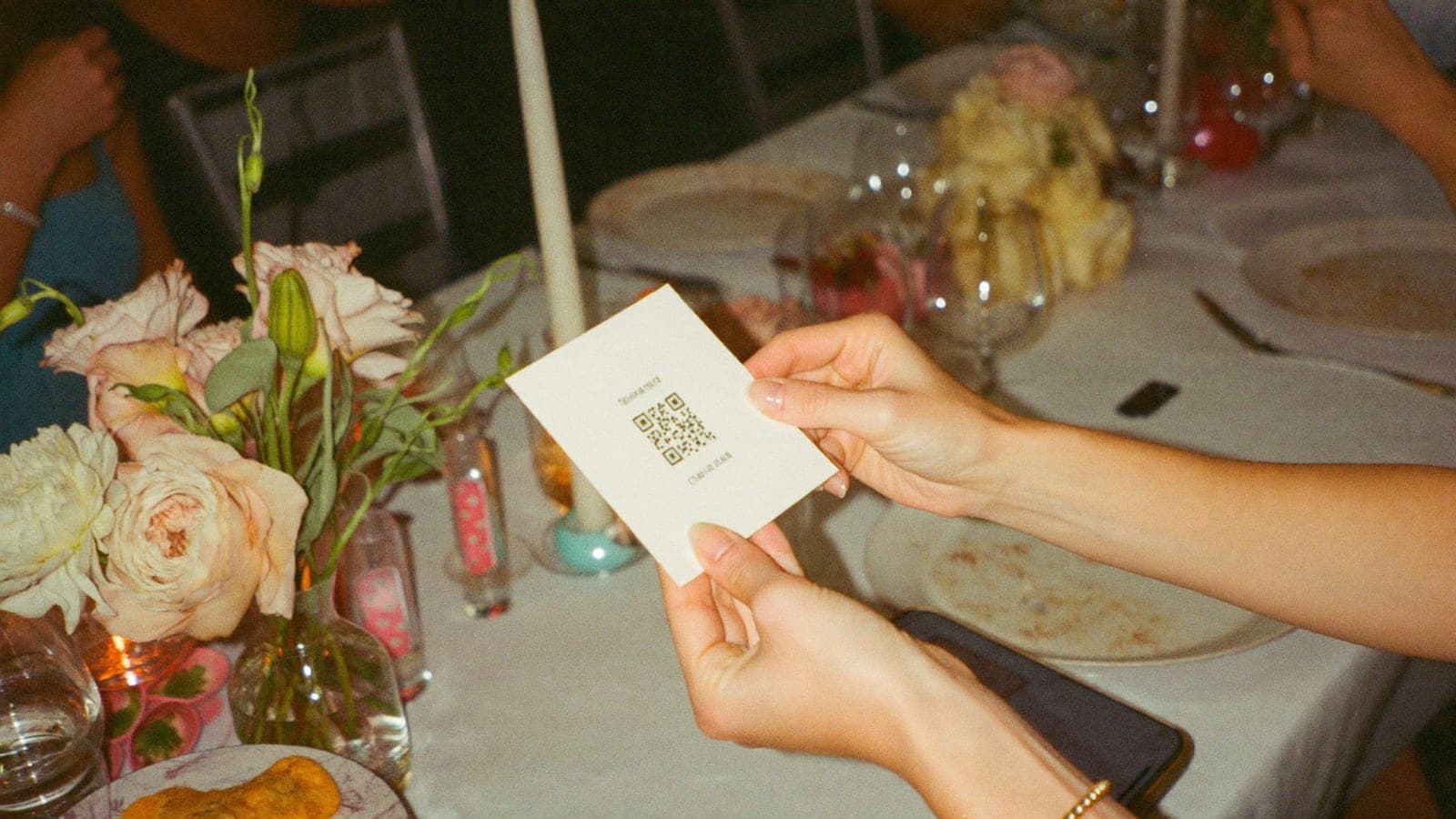
You have probably seen one at a wedding: a small card on the table with a QR code, and everyone sending their photos to it. In a few short years the QR code photo album has become the standard way to collect wedding photos from guests. Which makes sense, because it solves the exact problem every couple has: hundreds of photos sitting on your guests' phones that you will otherwise never see.
Here is how it works, what it costs, and what to look for when choosing.
What is a QR code photo album?
It is an online album linked to a single QR code. Guests scan the code with their phone camera, land straight in the album and can upload photos and videos immediately. No app to download, no account to create, no email address to hand over. Scan, choose, done.
Everything lands in one album that fills up live during the wedding. You (and, if you want, all your guests) can watch the day build up in real time.
How it works, step by step
1. Create the album (5 minutes) Set up an album online with your names and wedding date. You get your own QR code straight away.
2. Print the QR code Put it on table cards, a sign at the entrance, or in the order of service. Pixavo includes printable table cards, but designing something yourself works just as well.
3. Guests scan and upload On the day, guests scan the code and upload their photos and videos, either in the moment or at the end of the night. Because there is no app involved, even your least digital guests take part. Every modern phone camera recognises QR codes automatically.
4. The album grows live Every upload appears immediately. Many couples show the album as a live slideshow on a screen during the party: guests see their own photos appear, and that is what gets everyone else joining in.
5. Download everything in full quality After the wedding you download all photos and videos in their original quality. No WhatsApp compression, just the files as they were taken.
Why no app?
This is the key difference between modern QR albums and the wedding photo apps of a few years ago. Downloading an app is a serious barrier: it takes time, storage and effort, on a day when nobody wants any of that. In practice a large share of guests drop off at "first download the app".
An album that runs in the browser has no such barrier. Scan and upload, including your 82-year-old grandad.
What does it cost?
Most providers charge a one-off fee per wedding, usually between €50 and €150 depending on guest numbers, video allowance and how long the album stays online. Pixavo starts at €59 for a one-off payment, with no subscription.
For comparison: disposable cameras for every table cost €220 to €330 including developing, for a fraction of the photos and no video at all.
What to look for
Not every QR photo album is the same. The things that matter in practice:
- No app for guests. The entire benefit is the low barrier.
- Video support. The speeches and the first dance are exactly what you want. Check how much video time is included.
- Original quality. Some services compress uploads. You want to download the files at full resolution.
- A private album. Only people with the link or QR code can get in. Important for your guests' privacy.
- How long it stays online, and whether you can download everything easily before it goes.
- Live slideshow, if you want the photos on a screen during the party.
Frequently asked
Do guests need internet?
Yes, uploading goes over the internet. Most venues have wifi; otherwise mobile data works fine. Guests can also upload later, at home on the sofa.
Does it work on every phone?
Yes. Any smartphone with a camera can scan a QR code and upload through the browser, iPhone and Android alike.
When should I set the album up?
A few weeks before the wedding is plenty. You need the QR code by the time you print your table cards, so set it up before anything goes to the printer.
What if guests forget to upload?
Send a thank you with the link the day after. Most uploads arrive within 48 hours of the party anyway.
Try it yourself
Pixavo is exactly this: one QR code, no app, every photo and video from your guests in one living album. See the demo album to see what guests see, or create your album in five minutes. If your album stays empty, you get your money back.
Want the wider picture first? Read the complete guide to wedding photo sharing.
Get your album ready
One QR code, no app, and every photo and video from your guests in one living album.
Read next
Wedding photo sharing with guests: the complete guide
How to collect every photo your guests take at your wedding. Every method compared, the wording that works, and how to set it up without an app.
4 min read
7 ways to collect wedding photos from your guests
WhatsApp, shared album, WeTransfer, disposable camera or QR album? The 7 ways to collect wedding photos from your guests, honestly compared.
5 min read
Disposable cameras at your wedding: charming or a false economy?
Disposable cameras on the tables: nostalgic, but expensive and unpredictable. The real costs, the pitfalls and the digital alternative.
3 min read