How it works

How your live album works, from first scan to last dance.

You create the album in 2 minutes, your guests share with one scan of the QR code, and everything comes together live in one album that stays yours.

  • Ready in 5 minutes
  • No app or account
  • Works on any phone

For you it is three steps.

01
2 minutes

Create your album

Pick a plan and your album is ready right away, with its own QR code and link. Names and date take a few taps afterwards.

02
Beforehand

Put the QR code on the tables

Download your QR code and put it on table cards, the welcome sign or the invitation. The Celebration plan includes printable QR table cards for every table.

03
All day long

Watch along live

Every photo and video appears in your feed right away. Put the live slideshow on the big screen and the whole party watches along.

What your guests see after one scan.

Their phone camera recognises the QR code and opens your album straight in the browser. Pick a photo, add a name, share: that is all. It works on any phone, from your seven-year-old niece to your grandad, and reacting with hearts works right away.

See a sample album

Built for shaky party wifi.

A packed venue means slow wifi, and the upload is built for exactly that. If the connection drops, the upload picks up where it left off, even if a guest puts their phone away in between. That is how every shared photo arrives in your album in one piece.

After the wedding it truly becomes yours.

The morning after, you scroll through everything you missed. You download all photos and videos in high quality, and the album stays online to look back and share: depending on your plan, six months up to three years.

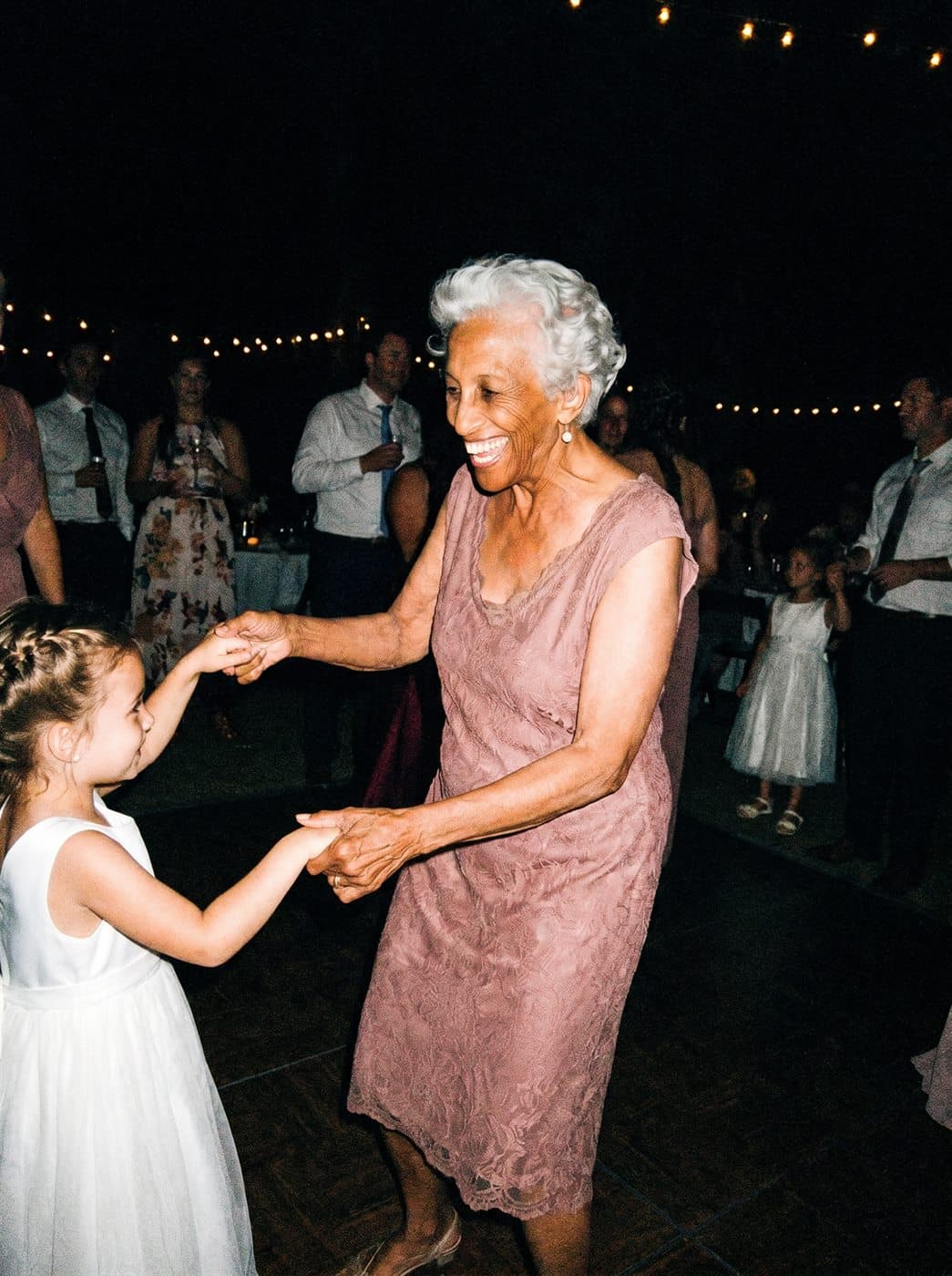
Gran dancing with the flower girl
shared by gran Riet
The couple’s kiss
shared by mum
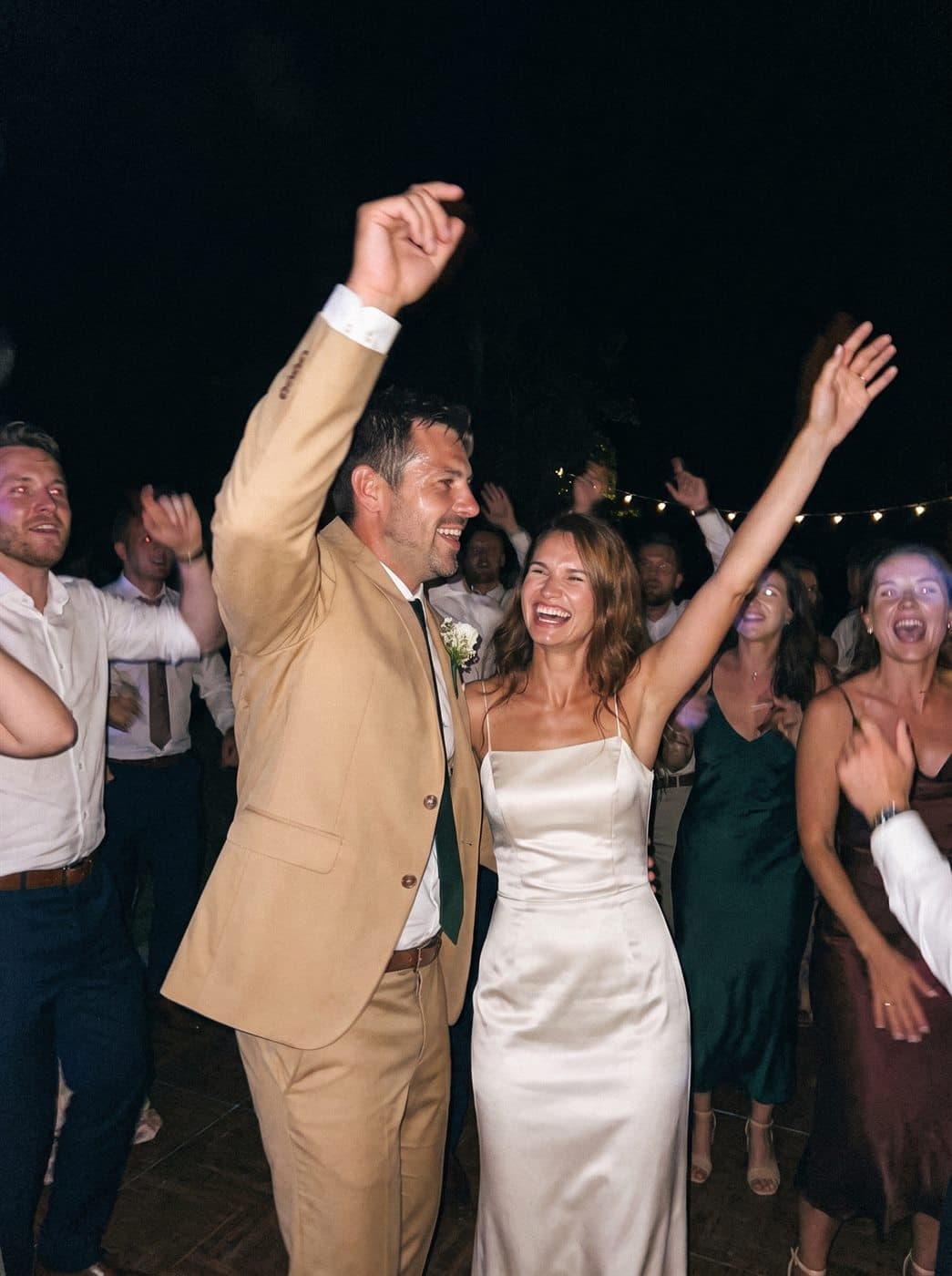
Dancing on the dance floor
shared by Sophie

The questions we hear most.

Will my guests actually join in?
This is the question almost every couple asks, and rightly so: everything depends on it. Guests join in precisely because taking part is one scan, straight from their own phone, without an app or account. And the live slideshow on the big screen shows what comes in, so the rest follow along.
Do guests need to install anything or make an account?
No, and that is exactly why it works for young and old. The scan opens your album in the browser, on any phone. One scan and they are in your album.
Can we decide which photos end up in the album?
Yes. By default everything appears live, that is the party. If you would rather see things first, turn on approval and photos only appear after you approve them. You can always delete, and a guest can also remove their own photo.
When should we create the album?
Whenever you like. Creating it takes 2 minutes and the QR code simply waits until the big day, so setting it up well in advance buys peace of mind: time to print the table cards and show the sample album to family.
Does it work for videos too?
Yes, guests share photos and videos. Photos are unlimited in every plan; for video, plans include 1, 3 or 6 hours in total.

One scan on the day, everything for after.

Create your album and watch it fill itself on the big day, while you simply celebrate.

Create our albumDecide when it feels right.
How a QR code wedding photo album works | Pixavo