Collecting guest photos
How to ask guests to share their photos
Updated 28 August 2026 · 4 min read
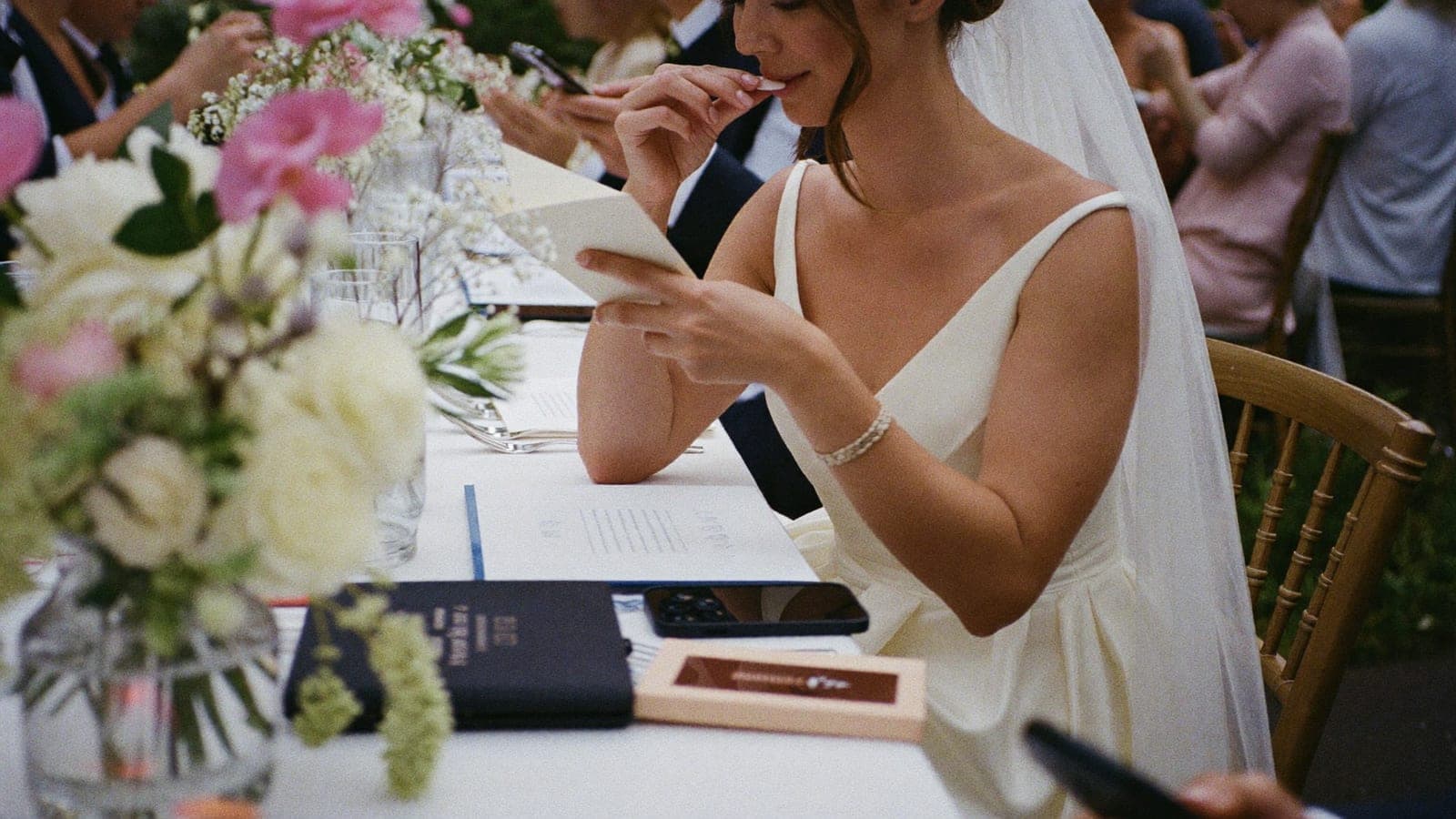
Guests are happy to share their photos. But only if you ask, at the right moment, and make it almost effortless. Asking can feel awkward ("we don't want to nag"), so here it is written out: copy-and-paste wording for every moment, from the invitation to the thank you afterwards.
All of these assume an album with a QR code or link. If your method is different, adjust the last line.
On the invitation or wedding website
Short and light works best. Two versions:
Relaxed:
We have a photographer, but the best photos will be yours. On the day you will find a QR code everywhere: scan it and share your photos and videos in our album. No app needed, takes ten seconds.
A little more formal:
We would love to gather all the photographs and videos of the day in one place. At the wedding you will find a QR code to share your images directly into our album. Thank you in advance.
Tip: announce it, but do not share the link yet. That stops the album filling up before the day arrives.
Writing the invitations anyway? Two other lines cause far more hurt feelings than the photo request ever will: whether children are invited, and who gets a plus-one. Both are covered, with wording you can copy, in Kids at your wedding: yes or no? and Wedding plus-one etiquette: the unwritten rules. And whether that wedding website is worth building at all: the honest answer.
On the table card
This is where it happens. Guests are seated, phone within reach, QR code right in front of them. Keep it very short:
Version 1:
Scan, upload, done. All your photos and videos from today in our album. No app needed.
Version 2:
You see things our photographer misses. Scan the code and share your photos with us.
Version 3 (with a wink):
Photos welcome, on one condition: share them. Scan the code and upload your best (and worst) moments.
For whoever is running the day, or in a speech
Saying it out loud once during the evening roughly doubles the response. Hand this to your toastmaster or best man:
"One quick practical thing. There is a card on your table with a QR code. Sarah and Tom would love to see every photo and video from today, so scan it and upload whatever you have. Takes ten seconds, nothing to download, and the best moment of the night will be up on the screen later."
That last line only works if you are running a live slideshow, but if you are, it works properly.
In the group chat, on the morning itself
Today's the day! 🎉 Small request: take plenty of photos and videos, and upload them using the QR code you will see around (or this link: [link]). Then we will have every moment of the day in one place.
The thank you, the day after
Most uploads arrive within 48 hours of the wedding. This message collects the last of them:
Thank you all so much for yesterday, what a day. ❤️ Do you still have photos or videos on your phone? Upload them at [link] and our album will be complete. It stays open for a while, so even the blurry selfies are welcome.
The three rules behind all of this
- Say what you want, specifically. "Share your photos using the QR code" works; "we'd love to hear from you" does not.
- Remove the barrier out loud. "No app needed" and "takes ten seconds" are the phrases that convert the hesitant.
- Repeat it three times. Invitation, table card, once out loud. Not more than that, or it becomes nagging.
And then: one place where it all lands
Asking only works if uploading is effortless. Pixavo gives you one QR code, no app, and an album that grows live during your day. Printable table cards are included.
Create your album or read the complete guide to wedding photo sharing. Comparing methods first? See 7 ways to collect wedding photos from guests.
Get your album ready
One QR code, no app, and every photo and video from your guests in one living album.
Read next
Wedding photo sharing with guests: the complete guide
How to collect every photo your guests take at your wedding. Every method compared, the wording that works, and how to set it up without an app.
4 min read
QR code wedding photo album: how does it work?
With a QR code photo album your wedding guests upload all their photos to one place, no app needed. How it works, what it costs, what to look for.
4 min read
7 ways to collect wedding photos from your guests
WhatsApp, shared album, WeTransfer, disposable camera or QR album? The 7 ways to collect wedding photos from your guests, honestly compared.
5 min read